If setting up your next event feels like a personal remake of Groundhog Day, the problem probably is not the event. It is that your team keeps rebuilding the same thing from scratch. Every edition, someone recreates the registration form, retypes the confirmation email, rebuilds the ticket types, and re-uploads the branding they already perfected last time. Event registration templates fix this: a template is a reusable event setup you build once, then duplicate and tweak for the next one. This guide explains why the rebuild-from-scratch habit quietly costs you hours, what a good template should carry over, and how to run a duplicate-and-tweak workflow that keeps your data clean.
The hidden time tax of rebuilding events from scratch
Nobody schedules "rebuild the whole event again" as a task, which is exactly why it never gets questioned. It hides inside the setup week as a dozen small jobs. Someone recreates eight registration questions. Someone else rewrites the confirmation email, forgets the calendar link, and adds it back after the first attendee complains. A third person rebuilds the early-bird and general-admission tiers, then spends twenty minutes hunting for the exact hex code of your brand teal.

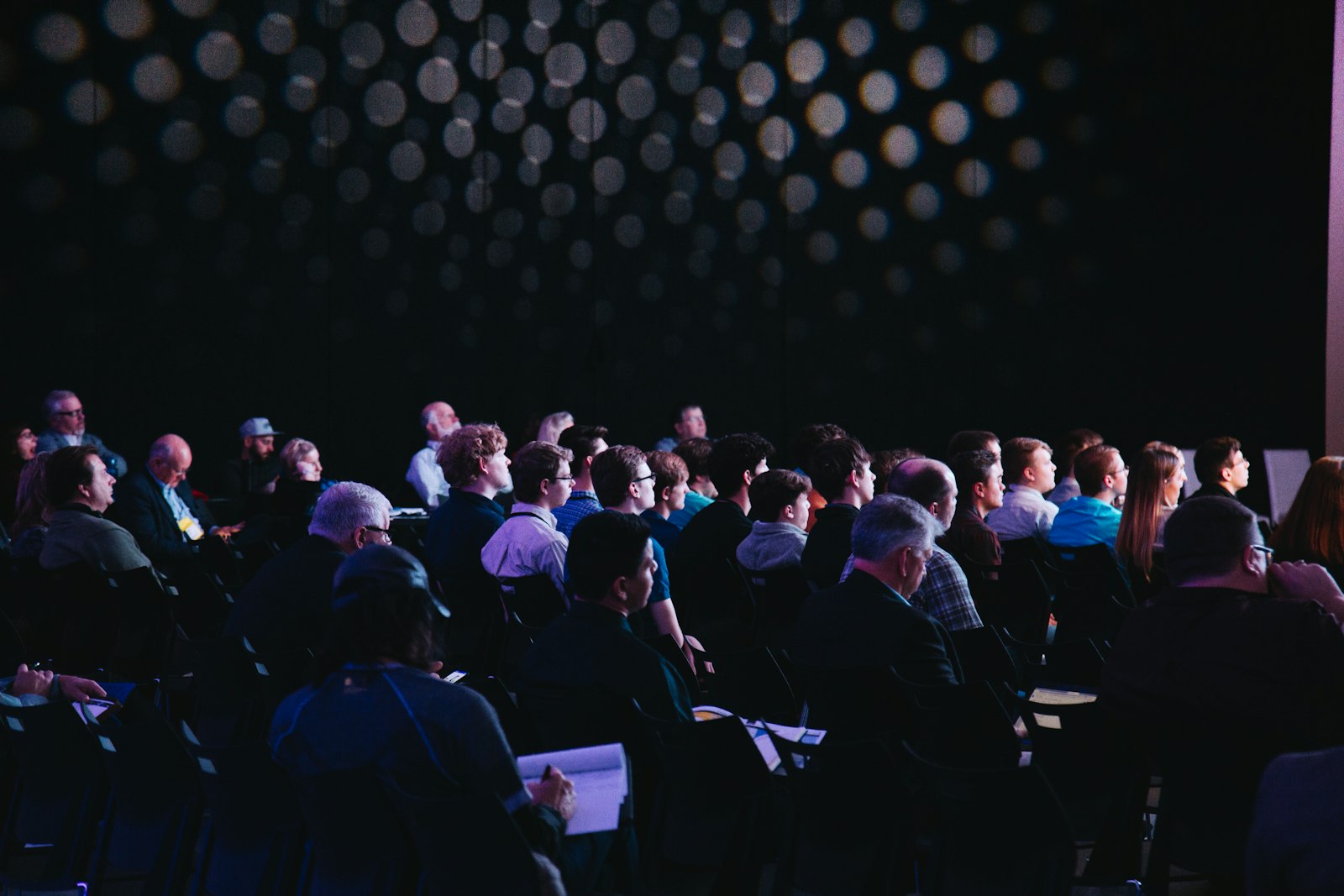
Setting up event number forty should not feel like setting up event number one. · credit: Helena Lopes / Unsplash
Do that across a team, a few times a year, and you are paying a steep tax in staff hours for work you have already done. It is the same clunky-software time drain we covered in the hidden time tax of complicated event software, just wearing a different hat. Worse, every manual rebuild is a fresh chance to introduce an error: a wrong date in an email, a missing dietary question, a ticket priced from last year. Rebuilding is not just slow. It is how mistakes sneak in.
If your team can only reliably launch an event by copying the last one from memory, you do not have a process. You have a folk tradition.
What event registration templates actually save you
A template turns your best event into a starting line instead of a blank page. The idea is simple: build one solid version of a form, an email sequence, and a ticket structure, then reuse that skeleton every time. Most modern platforms deliver this through a duplicate feature, where cloning an event copies its ticket types, registration questions, confirmation emails, branding, and settings in one click so you are editing rather than authoring.
The trick is knowing what to keep and what to change. Some elements are structural and should survive untouched from one edition to the next. Others are specific to a single event and must be reviewed before you go live, or you will merrily invite people to last quarter's venue on last quarter's date. Here is the split that keeps a duplicate-and-tweak workflow honest.
| Element | Reuse as-is | Update every edition |
|---|---|---|
| Registration form fields | The question structure and order | Only if you collect new data this time |
| Confirmation and reminder emails | The copy, tone and send timing | Dates, venue, joining links |
| Ticket types and pricing tiers | The tier structure (early bird, standard, VIP) | Prices and early-bird deadlines |
| Branding and page layout | Colours, fonts, content blocks | Hero image, sponsor logos, headline copy |
| Capacity and seating rules | The rules and per-session caps | The actual numbers for this venue |
| Discount codes | The logic and redemption caps | New codes and fresh expiry dates |
Read that table as a pre-launch checklist. Everything in the middle column is why templates exist. Everything in the right column is why you still read the whole thing before hitting publish.
How to build a house template you can trust
Templates only save time if the original is worth copying, so it pays to build one deliberate "house" event rather than cloning whatever you happened to ship last. Start from your most successful recent event, the one with the cleanest form and the emails that actually landed. Strip out anything that was specific to that occasion, such as a one-off sponsor banner or a single-use promo code, until what remains is the reusable bones.
Automate the Boring Half of Events
Registration, confirmations, badges and check-in run themselves, so you can get back to the actual event.
Give the fields their permanent shape. Keep the registration form short, because every extra question is a reason to abandon a half-finished sign-up. Set your confirmation email to fire instantly and your reminder cadence to sensible defaults you rarely need to touch. Lock in the ticket-tier structure you use again and again. Then save that as your reference event, the one you always duplicate from, and never sell tickets against it directly.
Give your clones a naming convention while you are at it, because a folder full of events all called "Copy of Annual Summit" is its own special headache. Something like "Summit 2026 Q3 (Manchester)" tells anyone at a glance which edition they are editing, and stops a colleague from accidentally updating last year's live page. Keep the reference event clearly flagged too, with a name like "TEMPLATE Do Not Sell", so nobody sells a ticket against the master by mistake. These are small habits, but they are the difference between a tidy template system and a graveyard of near-identical duplicates nobody trusts.
From there, the workflow is refreshingly boring: duplicate the reference event, rename it, work down the right-hand column of the table above, preview the attendee flow once, and launch. A platform like eventcloud is built around exactly this pattern, so cloning an event and its forms, emails and ticket types is a first-class action rather than a workaround, and every edition inherits the same tested setup instead of a fresh set of typos.
Templates protect more than your time
The hours are the obvious win, but consistency is the quiet one. When every edition starts from the same tested template, your registration pages look the same, your confirmation emails read the same, and your attendees get the same experience whether they signed up in January or November. That consistency is your brand doing its job without anyone having to think about it. Rebuild from scratch each time and you get drift: this edition's email is missing the calendar invite, that one has the old logo, and the sign-up form quietly grew two questions nobody remembers adding.
Templates also make your setup survivable when people change. If your one colleague who "just knows how to build the event" is on holiday, off sick, or has left, a documented reference event means anyone can duplicate it and launch without reverse-engineering the last one. New starters get a working example to learn from instead of a blank canvas and a nervous smile. In other words, a good template turns event setup from tribal knowledge into a repeatable process, which is exactly what you want when the calendar is busy and the person who usually does it is nowhere to be found.
When a template is not the answer
Honesty check, because templates are not magic. If you run genuinely one-off, unique events with nothing in common, a bespoke gala this month and a product launch the next, a reusable template saves you very little and can even nudge you into copying the wrong assumptions. The payoff scales with repetition. A monthly workshop series, a touring roadshow, a chapter-based community group, or an annual conference with the same core structure is where duplicate-and-tweak earns its keep.
There is a data upside too. Duplicating rather than editing a live event protects last edition's registrations and reporting, so this year's sign-ups never contaminate last year's numbers. That keeps your history clean when you want to compare attendance across editions, which matters if you care about what your event reports should actually tell you.
The bottom line is unglamorous but real: your team should be spending its setup time on the things that make this event different and better, not re-keying the things that never change. If your current platform makes you rebuild from scratch every time, that is a workflow problem worth fixing. See how a reusable, duplicate-and-tweak setup works on the eventcloud product page, and give Groundhog Day a rest.