A good event waitlist does two jobs: it captures demand when you sell out, and it quietly refills the seats your no-shows leave empty. The difference between a waitlist that converts and one that just collects email addresses is almost entirely about speed and urgency. The right event waitlist software releases spots automatically, gives each person a short window to claim, and treats the people who joined as what they are: your most committed buyers. This guide covers how to set one up so it actually fills seats instead of gathering dust.
Start with the reframe. A waitlist is not a consolation prize for a sold out event. It is a live queue of people who wanted in badly enough to raise their hand after the "Sold Out" sign went up. That is a stronger buying signal than most of the people who bought early. Waste it and you leave money and bums on seats on the table.
Why most event waitlists convert badly
The typical waitlist fails for boring, fixable reasons. A spot opens up, someone on your team notices eventually, emails the next person with a vague "a place has become available", and waits. The person is at work, sees it four hours later, replies "yes please", and by then you have emailed three other people too, or the spot has gone stale. Nobody feels urgency, nothing is automated, and the seat sits empty until the day itself.
The fixes are the opposite of all that:
Automate the release. When a ticket is refunded, cancelled, or capacity increases, the next person in line should be offered the spot instantly, without a human noticing first.
Make the offer time limited. "You have 4 hours to claim this seat" creates urgency that a casual "a spot opened up" never will. If they do not claim, it rolls to the next person automatically.
Ask for intent at sign up. People keen enough to join a waitlist are usually your most committed attendees. A quick "yes, I still want to come" step filters out the ones who have moved on.
A waitlist is not a list of maybes. It is a queue of people who tried to give you money after you told them you were full. Treat it that way.
The three features that make a waitlist convert
Not all waitlist tools are equal. When you are comparing event waitlist software, these are the capabilities that separate a real backfill engine from a glorified sign up form:
1. Automatic, first in first out release
The moment a seat frees up, the system should offer it to the person at the front of the queue with no manual step. Manual waitlists lose to the clock: by the time someone actions it, arrival day has arrived. Automated release is the single biggest lever, and it is why backfill works so much better when the software does the chasing.
2. Time limited claim offers
Each offer should come with a countdown. Give the person a clear, short window (a few hours for a near term event, a day or two for something weeks away) to click through and complete. If they do not, the offer expires and passes to the next in line automatically. This does two things: it creates genuine urgency, and it stops one slow responder from blocking the whole queue.

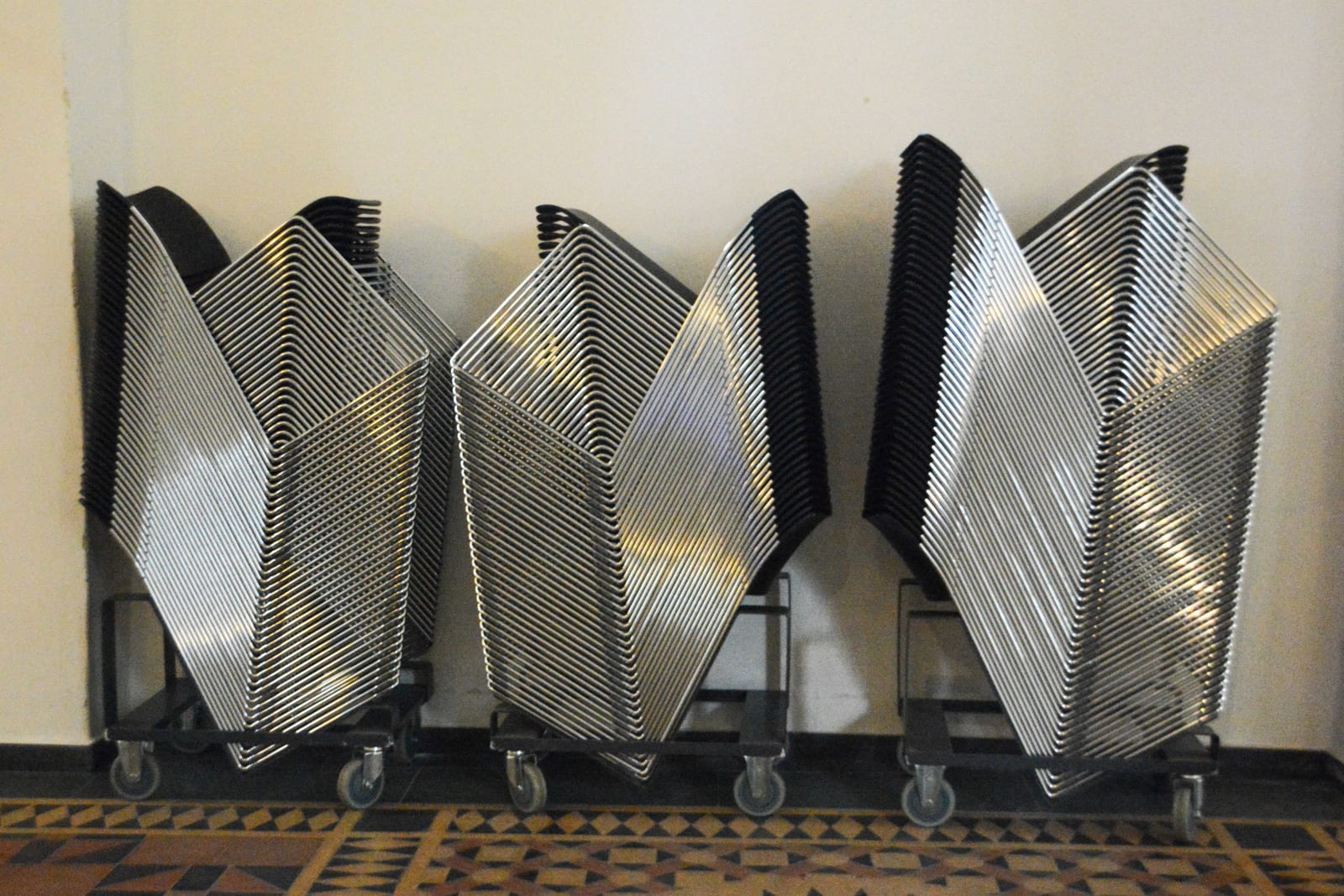
Every one of these seats is either sold or refilled. That is what a working waitlist looks like. · credit: Stem List / Unsplash
3. A confirm-intent step
Before you release seats to a big waitlist, a quick "are you still in?" message re-ranks the queue by who actually still wants to come. It costs nothing and means your automated offers go to live prospects rather than people who bought a ticket elsewhere three weeks ago. The people who confirm are gold: they have now raised their hand twice.
What Would Zero Booking Fees Save You?
eventcloud charges a flat subscription, not a cut of every ticket. Compare it with what your current platform takes.
How a converting waitlist compares to the usual approach
| Element | Manual waitlist | Converting waitlist |
|---|---|---|
| Seat release | Someone notices, eventually | Automatic, instant |
| Offer to attendee | Open ended email | Time limited claim with countdown |
| If they do not respond | Seat sits empty | Rolls to next in line automatically |
| Queue quality | Unknown, never re-checked | Re-ranked by confirmed intent |
| Typical result | Empty seats on the day | Backfilled capacity |
Where a waitlist earns its keep: backfilling no-shows
Here is the part organisers underuse. A waitlist is not only for when you sell out in advance. It is your best weapon against no-shows. Free events in particular see 40 to 60% of registrants never turn up, and even paid events leave gaps. A waitlist that backfills automatically can quietly recover a meaningful slice of the seats your no-shows vacate, right up to the day before, without you lifting a finger.
The workflow looks like this: as the event nears, send your confirm-intent message. Anyone who does not confirm frees a provisional spot. Offer those spots to the waitlist on a short timer. You walk into the room with more of the seats filled than your original list would have delivered, which matters whether you are selling sponsorship on headcount or just want the place to feel full.
Setting one up: a short build order
Turn the waitlist on before you sell out, not after. If capacity is tight, having it live from day one means you capture the overflow the instant tickets run dry.
Collect the minimum at sign up. Name and email is enough. A long form here kills conversion. You can gather the rest when they claim.
Set your claim window. Short for near term events, a little longer for distant ones. Make the countdown visible in the offer.
Write the offer email like a ticket, not a newsletter. One line of good news, one obvious button, the deadline in bold. No preamble.
Schedule a confirm-intent send a few days out. Use it to re-rank the queue before you release no-show seats.
Let it run. The whole point is that the software handles release, expiry, and roll on without you babysitting it.
Well optimised waitlist sign up pages can convert a healthy share of visitors, and the events that do best lean on authentic urgency (a real deadline, a genuinely limited number of seats) rather than fake countdown theatre. Attendees can smell a manufactured timer. A real one, tied to an actual freed seat, does the work honestly.
When you do not need a waitlist
Be honest with yourself. If your event rarely sells out and no-shows are not a problem, a waitlist is overhead you do not need. It earns its place when demand outstrips capacity, when seats have real value (paid tickets, limited rooms, catering headcounts), or when you want to fill the gaps no-shows leave. For a casual free meetup with plenty of room, skip it.
For everything else, the maths is compelling: a waitlist costs you nothing to run and recovers seats you would otherwise lose. The feature to look for is automation, because a waitlist that depends on someone remembering to email people will always lose to the clock. If you want to see how automatic release and time limited offers work in practice, take a look at how eventcloud handles registration and capacity, and pair it with our guide to cutting event no-shows so the seats you backfill actually turn up.