
To set up online ticket sales for a school event, you need surprisingly little: pick a low-fee or no-fee ticketing tool, build one page per event, add your ticket types, switch on QR check-in for the door, and decide up front whether the school or the family covers the booking fee. That is the whole job. You can have the summer play live and selling in an afternoon, without a merchant account, a developer, or the parent who "knows computers" being roped in against their will.
The reason to bother with online ticket sales for a school event, rather than a shoebox of cash and a paper list, is not glamour. It is fewer volunteers on the door counting fivers, no reconciling a float at 10pm, a real headcount before the night, and money that lands cleanly rather than in an envelope someone left in a car. Let us set it up properly and cheaply.
Before you start: three questions that decide everything
Answer these first and the rest of the setup falls into place.
Is the event free or paid? A free information evening or an open fete needs registration and a headcount, not payments, and most tools let you run free events at no cost at all. A paid play, dance or quiz night needs a checkout, and that is where fees start to matter.
Who pays the booking fee? On most platforms you choose whether the fee is added on top at checkout (the family pays) or absorbed by the school (it comes out of your takings). For a fundraiser you usually want families to see a clean, honest total, so decide this deliberately rather than leaving it on the default.
Do you need reserved seating? A hall performance with numbered seats is a different job from a come-one-come-all fete. If you need row F, seats 11 and 12, you want a tool with a real seating map, not a workaround.
Step by step: setting up online ticket sales for a school event
Create one event page per event. Give it the date, time, venue, a photo and a short description. One page per performance or fixture keeps your reporting clean.
Add your ticket types. Adult, child, family, concession, staff. Set a price and a quantity for each. Cap the total at your hall or field capacity so you cannot oversell the fire limit.
Decide who pays the fee. Add it on top or absorb it, per the question above.
Connect the money. Some school-focused tools handle payments for you; others (and flat-fee platforms) let you connect the school's own payment account so funds land directly in your bank as tickets sell.
Turn on QR tickets and check-in. Every buyer gets a unique QR ticket by email. On the night, any phone with the check-in app scans them in seconds, and you get a live count instead of a clipboard.
Test it, then share the link. Buy a test ticket, check the confirmation email arrives, then put the link on the newsletter, the website, the class group and a poster with a QR code on it.
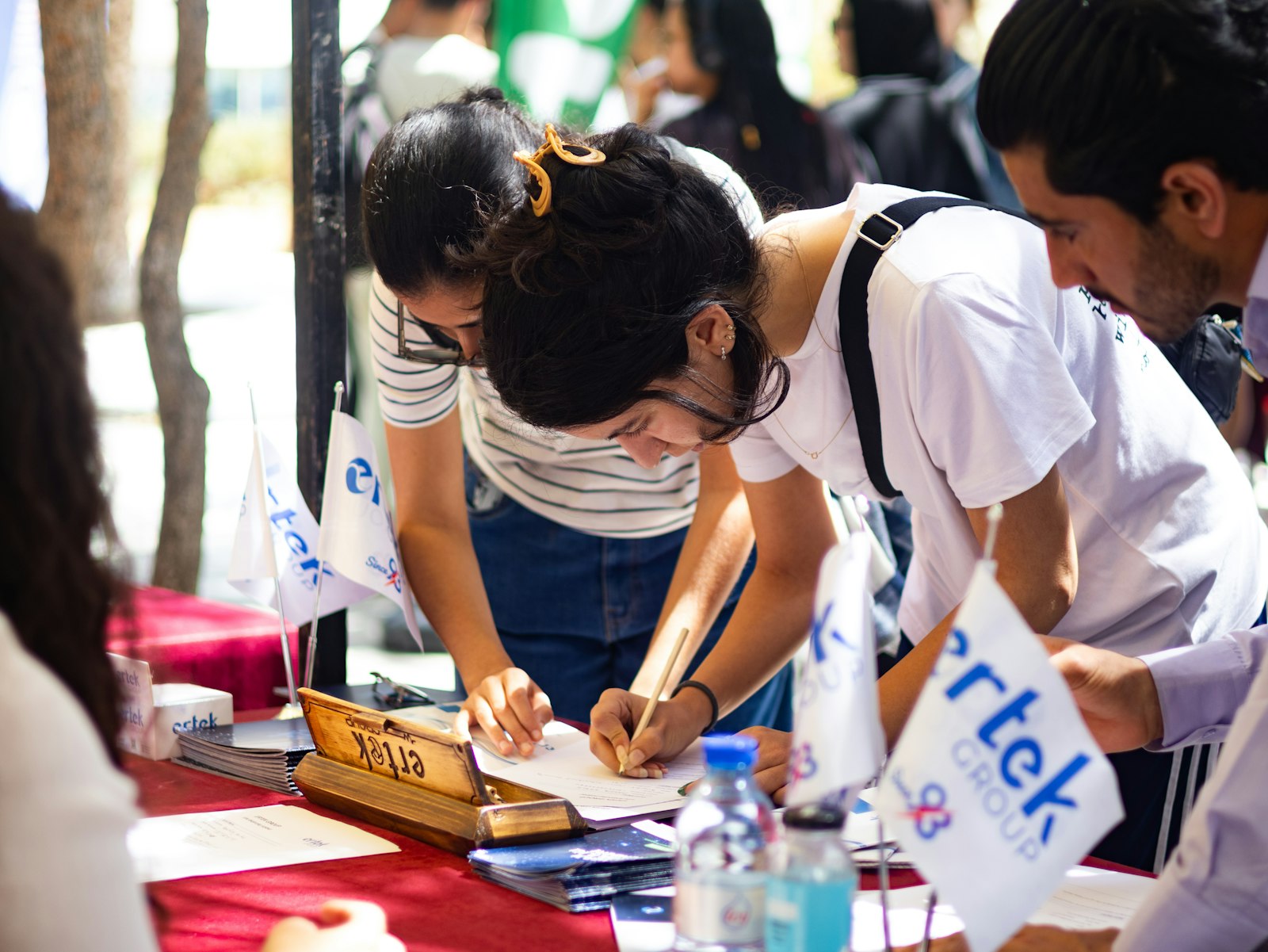
The dream: no cash float, no paper list, just a phone that scans QR tickets at the door. Credit: Faustina Okeke / Unsplash
What school ticketing should actually cost
This is where schools get quietly overcharged, so here is a fair comparison of the common routes. Fees shown are US rates and change, so check the current figure before you commit.
| Option | Typical cost | Best for |
|---|---|---|
| TryBooking | About 1 dollar per ticket plus 3.5 percent, free events free | Plays, fixtures and fundraisers that want reserved seating |
| SignUpGenius Payments | 5 percent plus 0.50 per transaction | Simple sign-ups and small paid events |
| Zeffy, Givebutter or BetterWorld | Zero platform fee, funded by an optional donor tip at checkout | Charitable fundraisers happy with a tip-request at checkout |
| Eventbrite | 3.7 percent plus 1.79 service plus 2.9 percent processing | Public events that need marketplace discovery |
| Flat-fee platform (eventcloud) | 125 per user per month, 0 per ticket, your own payment account | Schools or districts running many events all year |
Two honest notes on that table. First, card processing of roughly 2.9 percent plus 0.30 per transaction is unavoidable on every option; anyone advertising "no fees" is usually covering it with an optional donor tip, which is fine for a charity gala and a bit awkward for a school disco. Second, the "free" tip-funded tools are genuinely great for a one-off fundraiser. If the tip prompt is likely to annoy your parent community, a low per-ticket tool is cleaner.
Ticketing That Doesn't Tax the Cause
Flat pricing means every fundraising event keeps its margin, whether you sell fifty tickets or five thousand.
For one summer play a year, a free or per-ticket tool wins on maths alone. A subscription only earns its keep when your school calendar never really stops.
Reserved seating without the spreadsheet
School performances live and die on seating. Grandparents want to sit together, the front two rows are reserved for staff, and the wheelchair spaces need protecting. A tool with a proper seating map lets families pick their own seats at checkout, and lets you hold specific seats for guests and VIPs without a colour-coded spreadsheet and a prayer. TryBooking built much of its school reputation on exactly this, and it is worth insisting on if your events are seated. If your events are standing or general admission, skip it entirely; you do not need seating maps for a fete.
On the night: the door, walk-ins and the box office
Online sales rarely mean zero walk-ups, so plan for the family who rocks up on the night. A box office feature, or a simple on-the-door setting, lets a volunteer take a last-minute payment on a phone and issue a real ticket on the spot, sharing the same live count as your online sales so you never oversell the hall. Keep a name-search fallback for the parent whose confirmation email is "somewhere in my inbox", and you have covered the two things that actually cause queues.
Getting the word out (the free bit people forget)
A ticket page nobody sees sells nobody a ticket. Once your event is live, the link needs to travel through every channel a school parent actually reads: the weekly newsletter, the class messaging group, the school website, the office noticeboard and a poster at pickup with a scannable QR code printed on it. Put the direct booking link everywhere, and give it a deadline so families do not "do it later" until later becomes the night itself. If older students or the wider community are welcome too, a short post on the school's social channels tends to do the heavy lifting for free. None of this needs a marketing budget; it needs someone to remember that a link sitting quietly in an inbox converts nobody.
One more small thing that saves grief: keep sales open right up to and including the day of the event, and let the same page take walk-up payments on the night. Families are busy, and a surprising share of a school audience decides to come at the last minute. Cutting off online sales at noon just pushes everyone to the cash queue you were trying to avoid.
When a subscription platform makes sense, and when it really does not
Let us be straight, because horn-blowing helps nobody. If your school runs one paid event a year, do not buy a monthly subscription to anything. A free or per-ticket tool such as TryBooking or a charity-focused option will cost you a few dollars per booking and nothing the rest of the year, and that is the right answer. A flat monthly fee only starts to pay off when a school, a large PTA or a district runs a genuinely busy calendar: sports fixtures, multiple performances, dances, quiz nights and fundraisers across the year, ideally with several staff needing access and a want for one consistent system rather than a new tool each term.
At that volume, a flat-fee platform such as eventcloud stops charging per ticket entirely, so a bumper year of ticket sales is not also a bumper bill, and the money lands in the school's own account as it sells. Below that volume, it is overkill, and we would rather tell you so. If your events are charitable fundraisers, our guide to selling fundraiser tickets without fees eating the donations weighs the free and charity-rate tools in more detail.
Whichever route you choose, the setup is the same handful of steps, and none of it should cost you a weekend. Build the page, set the tickets, pick who pays the fee, switch on QR check-in, and send the link. For schools and community groups running events all year, you can see how a flat-fee, own-account setup works on our charities and community events page.