If you want to add QR code check-in to your events, the good news is that it is one of the highest-impact, lowest-effort upgrades you can make to event day. A single QR scan takes two to three seconds and can cut entry times by up to 75 percent, turning that grim clipboard queue into a line that actually moves. This is a practical, step-by-step guide to setting it up properly, avoiding the classic day-of disasters, and knowing what "good" looks like before you commit to a platform.
The premise is simple. Every attendee gets a unique QR code on their ticket or confirmation email. At the door, a staff member scans it with a phone, the system checks it against your registration list in real time, and marks the person as arrived. No paper, no "let me just find your name", no awkward spelling of surnames over loud music.
Why add QR code check-in to your events at all
Because manual check-in is where good events go to queue. The numbers are stark: documented QR check-in setups drop average entry time from three to five minutes per person to under thirty seconds, and multi-lane setups can process hundreds of attendees per minute at peak arrival. A first impression is made in the first ninety seconds, and right now yours might be a person squinting at a printout.
Nobody has ever left a five-star review that opened with "the queue was magnificent".
Beyond speed, QR check-in gives you a live, accurate headcount. You know exactly who is in the room, when they arrived, and how many no-shows you had, which is gold for capacity planning, safety, and sponsor reporting. It also kills duplicate entry: once a code is scanned, it is used, so ticket-sharing and gate-crashing get a lot harder.
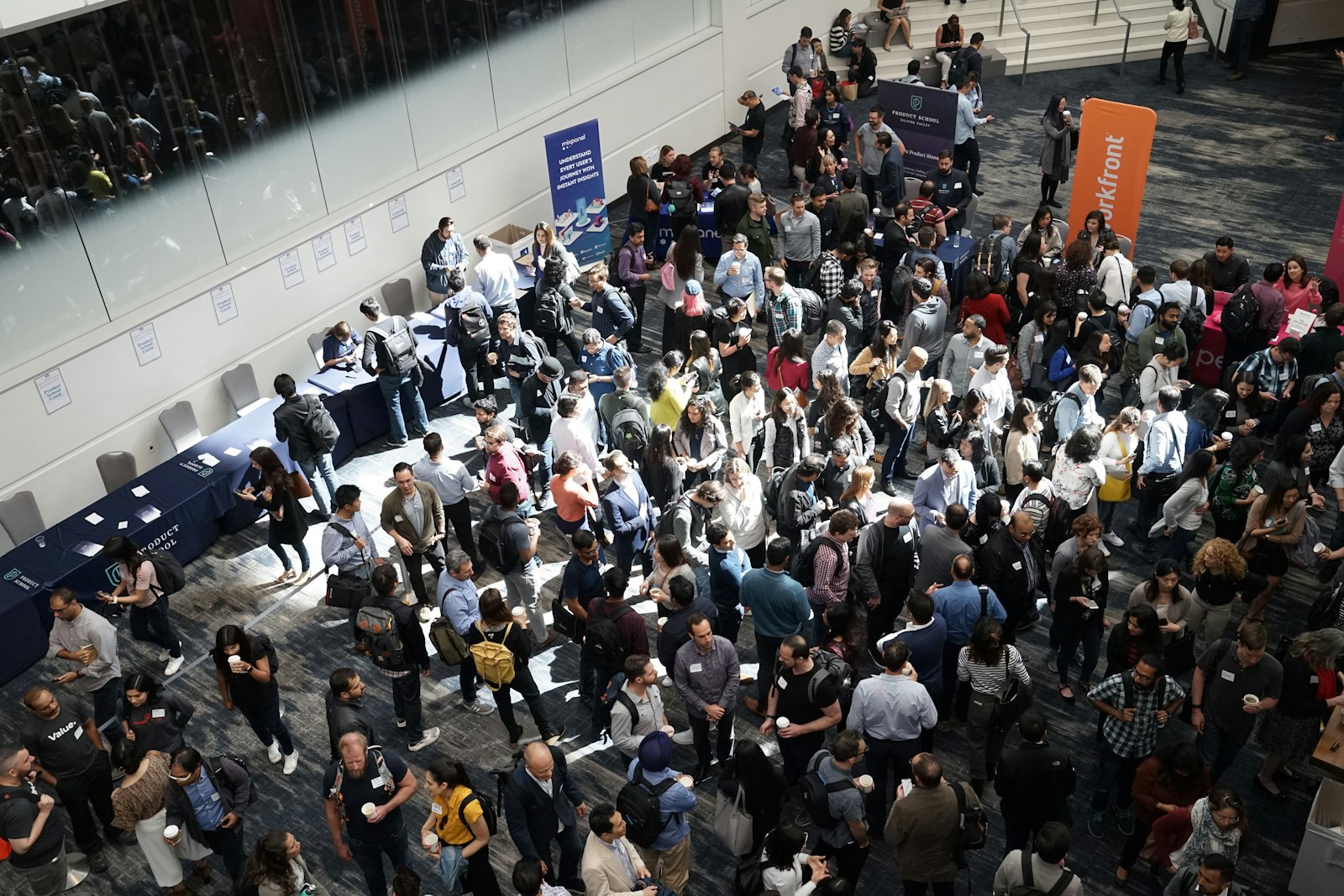
The entrance: where events are won or lost, and where clipboards go to die. Credit: Product School / Unsplash
How to set it up, step by step
The exact clicks vary by platform, but the shape of the job is the same everywhere.
1. Turn on QR tickets in your registration settings. Most platforms attach a unique QR code to each ticket automatically. Confirm it lands both on the emailed confirmation and on any downloadable or wallet ticket.
2. Install the check-in app. Download your platform's scanning app onto the phones or tablets your team will use at the door. Any modern smartphone camera works as a scanner, so you rarely need to hire dedicated hardware.
3. Log each device into the right event. Sounds obvious. Is the single most common day-of mistake. Every scanning device must point at the correct event and, if you use them, the correct session or ticket type.
4. Set up access rules if you need them. For VIP zones, workshops or session-specific entry, link QR codes to permissions so a general-admission code cannot wave its way into the VIP lounge.
5. Cache the attendee list for offline use. Load the guest list onto each device before doors open so check-in keeps working if the venue Wi-Fi has a moment. Good apps queue scans offline and sync automatically when the connection returns.
6. Rehearse. Print one real ticket, scan it at the speed a queue would demand, and watch the status flip to "checked in" across every device. Do this the day before, not five minutes before doors.
That is genuinely it. The technology is mature and forgiving. Most of the risk is in preparation, not in the scanning itself.
Check Guests In Before the Queue Forms
QR scanning, instant badge printing and live arrival stats, run from any phone or tablet on the door.
What separates a good check-in system from a stressful one
When you are picking or judging a platform's check-in, these are the features that matter on the day rather than in the brochure.
| Feature | Why it matters on event day |
|---|---|
| Offline mode | Venue Wi-Fi fails at the worst moment; local caching keeps the door moving |
| Real-time sync across devices | Five doors, one shared truth; no double entry or ghost duplicates |
| Any-smartphone scanning | Add a lane in seconds without renting hardware |
| Live arrival dashboard | Instant headcount for safety, capacity and sponsor reports |
| Access control by ticket type | Keeps VIP, sessions and general admission where they belong |
| Fast duplicate rejection | Scanned once means used; ticket-sharing gets caught at the door |
Notice that speed is table stakes and the differentiators are all about resilience and data. A scanner that only works with perfect Wi-Fi is a scanner that will fail you at exactly the moment 200 people arrive at once.
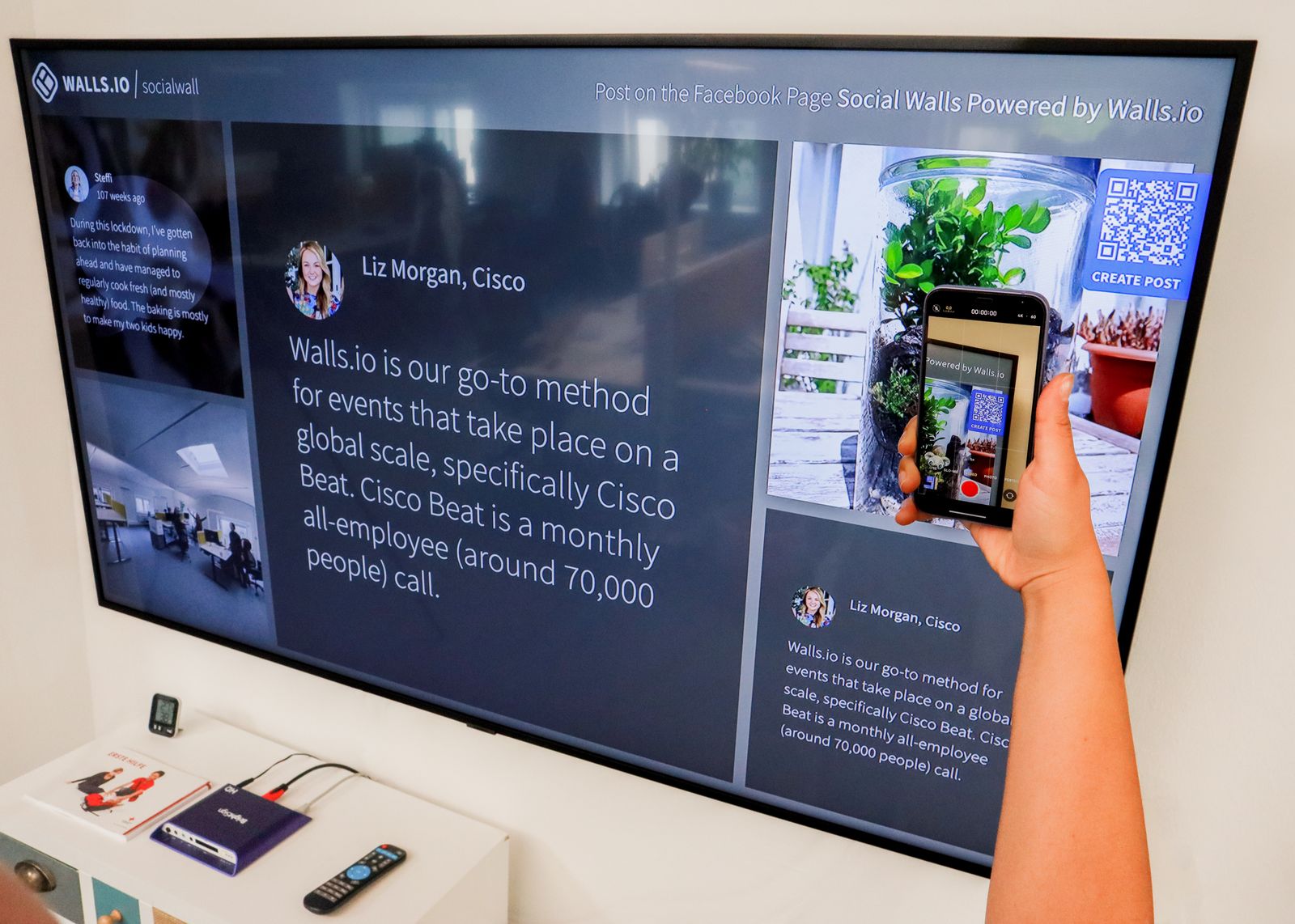
Two seconds per scan. The clipboard never stood a chance. Credit: Walls.io / Pexels
The mistakes that turn a smooth door into a stressful one
Every one of these is avoidable, which is exactly why they are so annoying when they happen.
Too few lanes. One scanner clearing a peak arrival rush is a bottleneck with a phone. Plan a lane for roughly every hundred attendees expected in your busiest fifteen minutes.
Relying on venue Wi-Fi with no offline fallback. Assume the network will wobble and set up so it does not matter.
Not testing the actual attendee email. Send yourself a real ticket and scan it. Confirm the QR code is where attendees will look for it, not buried under three paragraphs of housekeeping.
Untrained door staff. A thirty-second demo per volunteer prevents most day-of panic. Show them a successful scan, a duplicate, and an invalid code so nothing surprises them.
Get those four right and QR check-in is close to bulletproof.
Making it painless
The cleanest setups are the ones where registration, ticketing and check-in all live in the same platform, so the QR code an attendee receives is the same one your scanner already knows about, with no imports or syncing to break. That is the model eventcloud's check-in is built on: unique QR codes issued at registration, scanning from any phone, offline-tolerant, with a live arrival count across every door. Because it is a flat-fee, in-person platform, adding more scanning lanes never adds to your bill, which is a nice change from tools where every extra ticket costs you more.
Honestly, if you run a twenty-person free workshop, a printed list and a friendly greeter is fine and you can skip all of this. But the moment your arrivals cluster into a rush, QR check-in stops being a nice-to-have and becomes the difference between a warm welcome and a cold queue. Have a look at what a proper event platform should include before your next doors-open moment, and you may never go back to the clipboard.