
The short version: collect dietary and accessibility needs at the point of registration, attach them to each attendee rather than the order, keep the questions optional and clearly worded, and make sure the answers land in a report your caterer and floor team can actually read. A good event dietary requirements form is not a legal formality you bolt on at the end. It is the difference between a coeliac guest getting a proper meal and getting a sad plate of the garnish, and between a wheelchair user gliding in and finding themselves stranded at the bottom of a step.
This is a small part of your registration flow that carries a wildly outsized amount of goodwill. Get it right and nobody notices, which is exactly the point. Get it wrong and it is the only thing anyone remembers. Here is how to set it up.
Why the event dietary requirements form belongs at registration
Registration is the natural moment to ask, because the guest is already filling in a form and thinking about the event. Ask later, by chasing emails the week before, and you will get half the answers, most of them late, and none of them attached to a seat. Ask at sign up and the information arrives clean, linked to the right person, with weeks of runway for your caterer to plan.
And demand is real. Meeting professionals consistently report that special meal requests are growing, some describing the growth as explosive, and for a typical hundred cover event a meaningful slice of the room will want something other than the standard plate. Gluten free, vegetarian and vegan are close to standard expectations now rather than exceptions. If your form does not ask, your kitchen is guessing, and guessing badly.
How to word the dietary question
The winning pattern is a short checklist of the common requirements plus an escape hatch. Offer tick boxes for the requirements that cover most people, then always include a free text field for the ones that do not fit a box. The serious medical allergies, the "no shellfish but fish is fine" nuances and the religious specifics never squeeze neatly into a dropdown, and those are precisely the cases where getting it wrong matters most.
A sensible checklist looks like this, with a free text "other or specific allergies" box underneath:
| Requirement | What it means for the kitchen |
|---|---|
| Vegetarian | No meat or fish. Usually the easiest to cater well. |
| Vegan | No animal products at all: no meat, fish, eggs, dairy or honey. |
| Gluten free | Medical need for many. Watch cross contamination, not just ingredients. |
| Dairy free | Often lactose intolerance or milk allergy. Check hidden dairy in sauces. |
| Nut allergy | Can be life threatening. Flag clearly and separate preparation. |
| Halal | Meat prepared to Islamic law. Confirm your caterer can genuinely source it. |
| Kosher | Food fit under Jewish law. Often needs a specialist supplier. |
| Other or specific | Free text. This is where the important detail actually lives. |
Keep the whole thing optional. A dietary question that blocks the submit button is a dietary question that inflates your abandonment rate. Make it easy to find, make it easy to skip, and let the people who need it tell you exactly what they need.
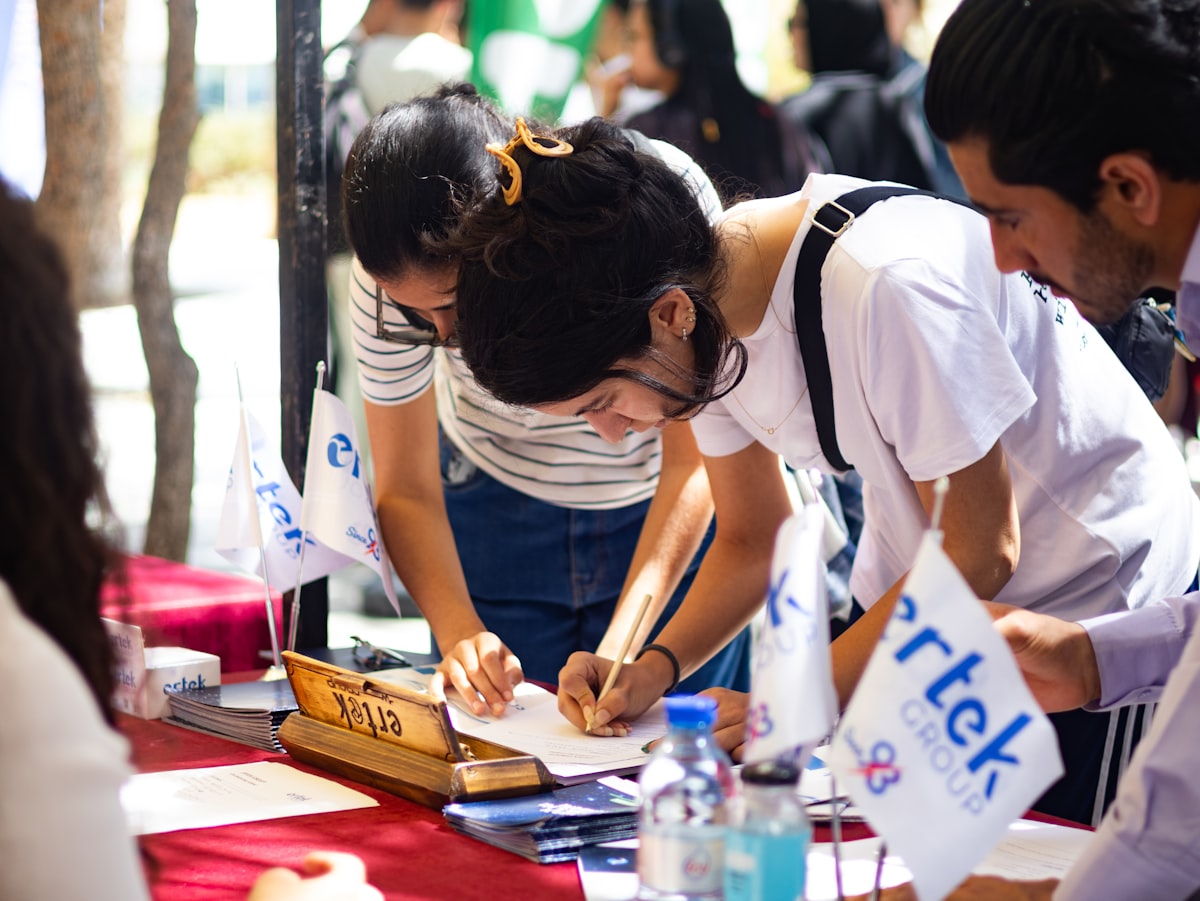
The registration desk is the wrong place to first hear about a nut allergy. The form is where it belongs. · credit: Faustina Okeke / Unsplash
Accessibility needs: one inclusive question, asked kindly
Access needs deserve the same home on the form and a gentler touch. Rather than a clinical grid of conditions, use a single warm, open question. Something like: "We want this event to work for everyone. Do you have any access requirements, for example mobility, sensory, dietary or audio visual, that we should know about so you can take part fully?"
That one line quietly gathers wheelchair space, a seat near an exit, a BSL interpreter, live captioning, a quiet room, a guide dog or a large print programme, without making anyone tick a box that feels like a medical form. Leave a free text field so people can describe what they actually need in their own words, because your list of options will never be as complete as their lived experience.
Check Guests In Before the Queue Forms
QR scanning, instant badge printing and live arrival stats, run from any phone or tablet on the door.
An access question that is easy to answer honestly does more for inclusion than a hundred words of good intentions on the event page. Ask early, ask kindly, and then actually act on the answer.
The mechanic that matters: per attendee, not per order
Here is the setting that separates a form that helps from a form that lies to you. Dietary and access needs belong to the individual guest, so the questions must be attached to each attendee, not to the basket. If one person books five tickets and gets asked once, you now have one meal preference standing in for five humans, and your caterer is planning off fiction.
Platforms that treat the buyer as the attendee cannot do this properly, which is a particular headache for galas, dinners and group bookings where one person routinely books for a whole table. The capability to look for is per ticket custom fields, sometimes shown to different attendee types using conditional logic so a speaker sees different questions from a general guest. If you want the deeper how to on showing the right questions to the right people, we cover it in our guide to showing different registration questions to different attendee types, and the same per guest thinking underpins running a smooth gala or summit.
Turn the answers into a report people can act on
Collecting the data is only half the job. The other half is getting it in front of the kitchen and the floor team in a form they can use. A dietary field that lives in your database but never gets exported, sorted and handed over is exactly as useful as not asking. Before you launch, test the report: can you produce a clean count of every requirement, ideally broken down by table or by session, and hand it to your caterer without a spreadsheet wrestling match?
The best setups let you filter the guest list by requirement in a couple of clicks, print or export a caterer ready summary, and see the same information at check in so front of house knows the guest at table four needs the nut free plate. Because the dietary and access answers live on the same attendee record as the check in status, nothing gets re keyed and nothing falls through the cracks. A joined up registration and check in product is what makes that a filter rather than a fortnight of admin.
Handle the data with a bit of care
Dietary and especially health related access information can count as sensitive personal data, so treat it accordingly. Collect only what you need, keep it secure, limit who can see it to the people who actually plate the food and run the floor, and delete it once the event is done rather than hoarding it forever. If you want the practical, non legalese version of retention and consent, our piece on GDPR for event organisers walks through it.
When you can keep it simple
Honesty check: if you are running a free thirty person workshop with no catering, you do not need any of this. A single optional line is plenty, and a full dietary matrix would be overkill. The moment you are feeding people, seating them, or running an event where inclusion is part of the promise, the structured approach above pays for itself in goodwill and in meals that actually reach the right guests.
Ask early, ask kindly, attach it to the person, and get it to the kitchen. That is the whole game. If you want a registration setup where dietary and access needs are per guest fields that flow straight to a caterer ready report and to the door, take a look at how eventcloud handles attendee data.