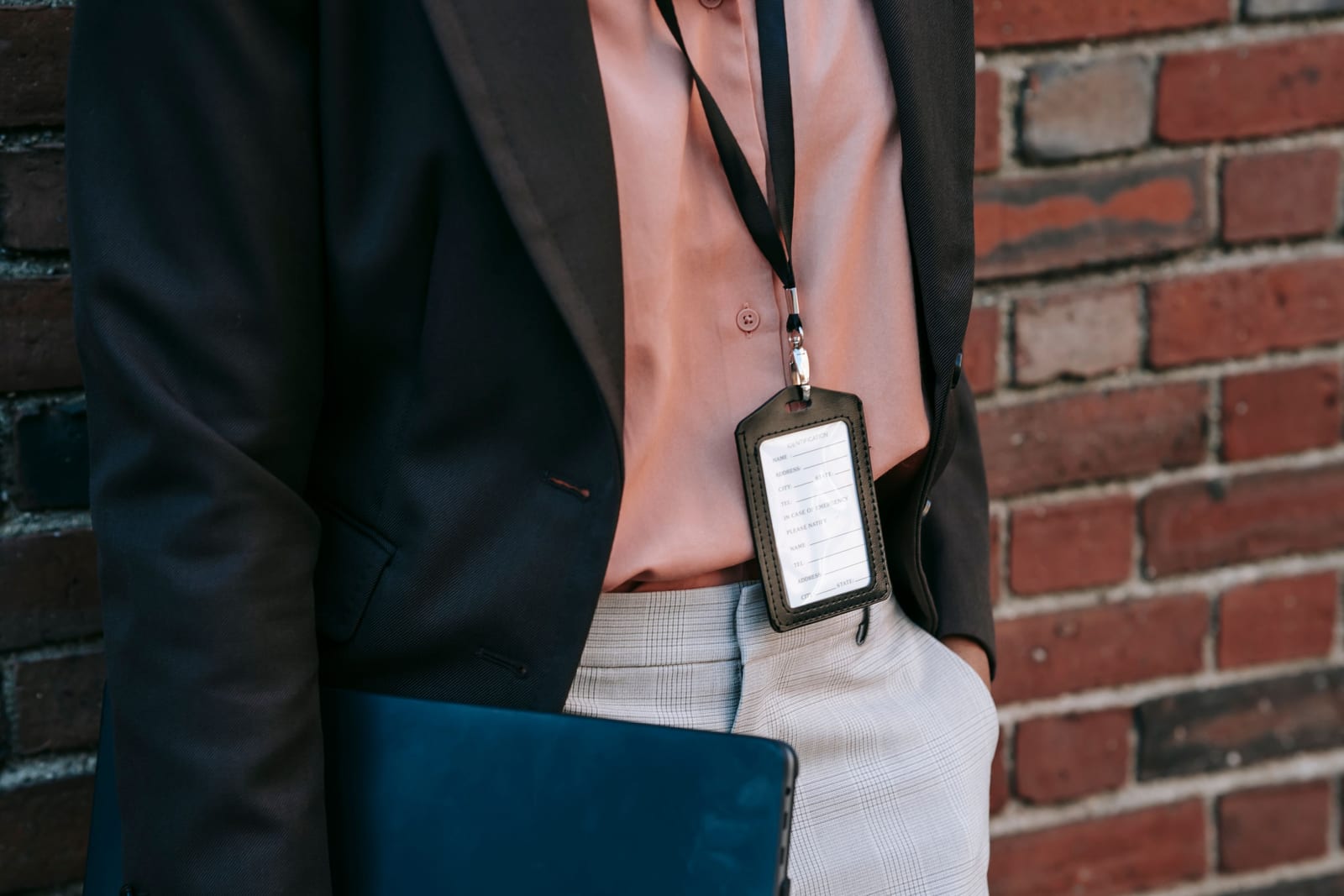
Conference badge printing comes down to three decisions: how you design the badge, what hardware you print it on, and whether you print before the doors open or on demand as people arrive. Get those three right and check-in feels like a well-oiled machine. Get them wrong and you get the dreaded registration-desk snake, the queue that wraps around the lobby while someone alphabetises a shoebox of laminated name cards by hand. This guide walks through the whole workflow, the printers that actually earn their keep, and the costs the big platforms would rather you discovered after signing.
Badges are not a glamorous part of running an event, but they are the first physical thing every attendee touches. A crisp, correct badge says "we have our act together". A misspelled one taped to a lanyard says the opposite before the keynote has even started.
Pre-printed, on-demand or hybrid: pick your fighter
There are three ways to put a name on a badge, and the right one depends on your headcount, your walk-in rate, and how much you enjoy stress.
Pre-printed means badges are produced before the event and sorted for pickup, either in-house on an office printer or through a print shop for higher quality. It is cheap, it is simple, and it works beautifully right up until someone registers late, changes their name, or upgrades from "attendee" to "speaker" on the morning of. Then you are scribbling on a blank with a Sharpie like it is 1998.
On-demand prints each badge at the moment of arrival. The attendee scans a QR code or gives their name, and the badge prints in seconds with accurate, up-to-the-minute details. It handles walk-ins, last-minute edits and session upgrades without breaking a sweat, and it cuts the mountain of pre-event sorting (and the waste from the 18% of people who never show up). The trade-off is that you need a printer and a working station per check-in lane.
Hybrid is the sneaky-clever option: pre-print "badge shells" with your logo, sponsor branding and colour, then print only the attendee details (name, company, title, QR code) on demand at the desk. You get a polished, branded badge and same-day accuracy without printing full-colour graphics on every single one.
The badge desk is the only part of your event where 100% of attendees queue at the same time. Optimise it like your reputation depends on it, because their first impression does.

Everyone you see here passed through one badge desk first. No pressure. · credit: Wan San Yip / Unsplash
The hardware: thermal printers do the heavy lifting
For onsite printing you broadly choose between two printer families, and a couple of names dominate the floor at real events.
Direct thermal label printers use heat rather than ink, which makes them fast, reliable at volume and free from the cartridge-management headaches of inkjet. The Zebra ZD420 and ZD620 are the workhorses here and handle high throughput comfortably. The Dymo LabelWriter range is common for smaller events where you just need names on paper quickly. Boca Systems printers are widely deployed for ticket and badge stock too.
Colour card printers are for when you want photo-ID-quality, plastic credentials: think Zebra ZC300 and ZC500, or the Zebra ZC10L for full-colour badges in seconds at events of 1,000-plus. The Epson C3500 is a popular colour label printer used by many badge solutions for its reliability. Colour cards look fantastic and cost more per badge, so most conferences reserve them for VIPs, speakers and sponsors and use thermal paper for general admission.
A rough rule: if your badge design is rich, varied and needs to visually signal attendee type or session access, lean on-demand with thermal printers and pre-printed shells for the fancy tiers. If you are running a 60-person workshop, a single label printer and a laptop will do the job for the price of a nice lunch.
How many printers do you actually need?
Throughput, not headcount, sets your printer count. A well-set-up on-demand station prints a badge in well under ten seconds, so one printer-and-laptop lane clears roughly 150-200 people in the first busy half hour. For a 1,000-person conference where most arrive in a 90-minute window, four to six lanes keep the queue civilised. Add staff laptops, not just printers: the bottleneck is usually the human looking someone up, not the print head.
Run the Whole Event From One Platform
Ticketing, registration, promotions and check-in together, so the plan and the tools finally match.
The bit nobody quotes you upfront: what badge printing costs on the big platforms
Here is where the enterprise event platforms get creative. Badge printing is frequently a separate line item, billed on top of the software, and often on top of an already eye-watering licence.
| Platform | How badge printing is priced | What to watch for |
|---|---|---|
| Cvent OnArrival | Onsite badge printing and kiosk branding billed individually, on top of the broader Cvent platform (no standalone purchase). Printer rental roughly $500-2,000 per event; purchase $2,000-10,000+. Everything is custom-quoted. | OnArrival is not sold on its own. You buy the whole platform first (licence commonly $20k-79k+ plus per-registrant fees) before you print a single badge. |
| Bizzabo (Klik) | Klik SmartBadge networking hardware is a premium add-on, reported in the region of $10,000-75,000+, with onsite event services a further $5,000-50,000+ per event, on top of $499/user/month (3-user minimum, so $17,999/year floor). | Gorgeous wearable tech, enterprise price tag. Brilliant for a flagship summit, hard to justify for a regional conference. |
| vFairs | Managed onsite services and badge printing quoted per event; no public pricing. | "Contact us" pricing means budgeting is a guessing game until you are already in the sales funnel. |
| Flat-fee platforms (e.g. eventcloud) | Badge printing is part of the product at a flat $125/user/month, with no per-ticket fees and you bring your own printer. | You still buy or rent the physical printer, but the software does not charge you extra per badge or per event to use it. |
The pattern is not subtle. On the enterprise platforms, the printer is the cheap part. The expensive part is the right to use their software to drive it, charged per event, per registrant, or per "managed service" day rate. If your model is unlimited events on a flat subscription, badge printing stops being a billing event every time you run a conference, which is rather the point.
Designing a badge people can actually use
A good badge is legible from two metres (so people can network without squinting at navels), prints the first name largest, and carries a scannable QR code for session check-in, lead capture and re-prints. Colour-code or label attendee types clearly: a sponsor needs to spot a buyer, a steward needs to spot a speaker, and security needs to spot whoever wandered in from the hotel bar. Keep the layout simple. The badge is a wayfinding tool, not a billboard.
Build the template once, map your registration fields to it (name, company, job title, ticket type, dietary or access flags where relevant), and test-print a dozen real records before the event. The single most common badge disaster is a field that looks fine for "Jo Smith" and overflows catastrophically for "Dr Aleksandra Wojciechowska-Nowakowska". Test the long names.
A no-drama badge workflow
Pull it together and the day-of flow looks like this: attendee arrives, scans their confirmation QR or gives a name, the system finds the record, the badge prints with current data, and a scan log marks them present in real time. Walk-ins register at a spare laptop and print the same way. Name changes and upgrades are edited on the spot and re-printed. No alphabetised shoebox, no Sharpie, no queue snaking past the coffee.
That workflow only works if your registration data and your check-in app talk to each other natively, which is exactly why on-demand printing belongs to the platform, not a separate bolt-on. If you want to see how the same scan-and-print logic handles a thousand arrivals on nothing but phones, we broke that down in our guide to checking in 1,000 attendees with phones.
Badge printing should be the least dramatic part of your event. Choose on-demand or hybrid for anything with walk-ins, run it on thermal printers sized to your arrival rate, design for legibility, and make sure the software driving it does not treat every conference as a fresh invoice. If you want a registration and on-site platform where badge printing is simply part of the toolkit rather than a five-figure surprise, take a look at what eventcloud includes as standard.