Picture the moment your keynote ends and 600 people stand up at once, phones out, all asking the same question: "Right, where am I supposed to be now?" A well-built multi-track conference agenda answers that question before anyone has to ask it. A badly built one turns your corridors into a confused shuffle of people reading a folded programme upside down. This guide is about the difference: how to design tracks, time-blocks and personal schedules so attendees always know where to go, never miss the talk they came for, and never feel like they need a map, a compass and a stiff drink to get through your day.
The short version, up front: give every session a clear track, keep your time-blocks consistent, never pit two must-see talks for the same person against each other, and let attendees build their own agenda before they arrive. Do that and a multi-track conference agenda stops being a source of anxiety and starts being the thing people compliment in the feedback form.
Start a Multi-track Conference Agenda with Tracks That Actually Mean Something
A track is a promise. "Product" track, "Leadership" track, "Technical" track: the label tells an attendee, at a glance, that this room is for them and that one is not. The most common mistake is inventing tracks that sound good on a planning whiteboard but do not map to how people actually choose. If half your sessions could plausibly sit in three different tracks, your tracks are decoration, not navigation.
The fix is to build tracks around your audience segments, not around your internal departments. Work out who is in the room first: the developers, the marketers, the founders, the ops people. Then assign every session to the persona it serves. A session can belong to more than one track if it genuinely does, but resist the urge to tag everything with everything, because a track that contains half the programme has told the attendee nothing at all.
A track is a promise to the attendee: this room is for you. Break that promise a few times and they stop trusting the programme entirely.
Consistent Time-blocks Are the Invisible Thing That Makes It All Work
Here is the least glamorous tip in this article and possibly the most important: standardise your session lengths and start times across every track. If Track A runs 45-minute sessions starting on the hour while Track B runs 30-minute sessions starting at random, an attendee who wants to hop between tracks has to solve a small logistics puzzle every single time. Line the blocks up and hopping becomes effortless: everything starts at 10:00, everything ends at 10:45, everyone moves together in the 15-minute gap.
Consistent blocks also give you honest buffers. Those gaps between sessions are not wasted time, they are the difference between a calm changeover and 200 people arriving late and flustered to the next room. Build in enough transition time for the walk between your furthest two rooms, add a bit for the inevitable over-running speaker, and your whole day breathes instead of stampeding.
The One Rule That Prevents the Most Complaints: No Clashing Must-sees
Every post-event survey has the same buried complaint: "The two sessions I most wanted to see were on at the same time." You cannot eliminate every overlap in a multi-track event, that is the whole point of running tracks, but you can make sure you never schedule two unmissable talks for the same persona in the same slot. Two headline talks aimed at the exact same attendee, running head to head, is a self-inflicted wound.
To catch these clashes before your attendees do, map each session to its audience segment and then read across every time-slot asking one question: would a single person want to be in two of these rooms right now? If the answer is yes, move one. Colour-coding tracks on the schedule grid makes this obvious at a glance, because two same-colour heavyweight sessions sitting in the same column jump straight out at you.
| Design Choice | Confuses Attendees | Guides Attendees |
|---|---|---|
| Track labels | Vague themes that overlap | Clear audience-based tracks |
| Session lengths | Different per track | Standardised across tracks |
| Start times | Staggered and random | Aligned on the same clock |
| Popular sessions | Two must-sees clash | Headliners spread across slots |
| Personal schedule | Paper programme only | Bookmark and My Schedule view |
Let Attendees Build Their Own Agenda Before They Arrive
The single biggest upgrade you can make to a multi-track event is handing the navigation over to the attendee. Publish the full session line-up, with abstracts, roughly 4 to 6 weeks ahead so people have time to actually think about their choices. Then let them star or bookmark the sessions they want and pull those into a personal "My Schedule" view that syncs between the website and their phone. Now the attendee is not reading a wall-sized grid and doing mental arithmetic, they are following their own plan.
Run the Whole Event from One Platform.
Registration forms, pass types, badges and check-in together, so the plan and the tools finally match.
Good personal-agenda tools also let people filter by track, by role, or by whatever tags matter for your event, which turns a 60-session programme into a short, personal shortlist. When capacity matters, the same system can cap how many people can register for a given room so you never send 200 people to a space that seats 80. That capacity-per-session control is worth its weight in avoided fire-marshal conversations, and it is a core part of a proper registration setup rather than something you bolt on at the last minute.
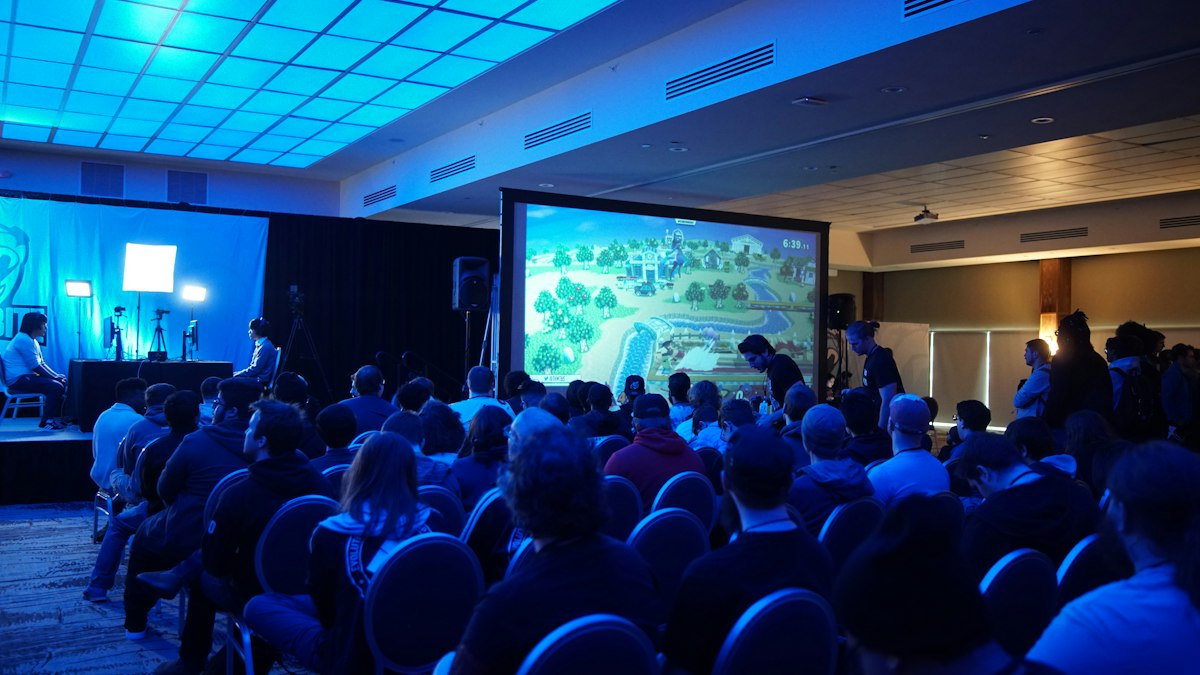
When the agenda does its job, nobody in this room is wondering whether they are in the right one. Credit: Stem List / Unsplash
Manage Capacity per Session, Not Just per Event
General event capacity is easy: sell up to the fire limit and stop. Multi-track capacity is harder, because your 500-person event might have a breakout room that holds 60 and a workshop that holds 25. If your registration only counts total attendees, you will happily let 150 people sign up for a 60-seat session and discover the problem when they are all standing in the doorway.
The answer is per-session capacity with real-time counts. Each session gets its own limit, the count updates live as people register, and popular sessions can trigger a waiting list or a "session full" state automatically rather than relying on a volunteer with a clipboard turning people away. Pair that with fast check-in at the room door and you get something genuinely useful: real attendance data per session, so next year you actually know which tracks and topics filled the room and which ones you can quietly retire. If you want the mechanics of door-level scanning, our note on QR check-in covers how per-session scanning feeds that data back to you.
When You Might Not Need Tracks at All
Honesty section, because not every event needs this machinery. If you are running a single-room, single-stream day, a multi-track conference agenda is overkill and will only add complexity nobody asked for. Tracks earn their keep when you have genuinely different audiences in the building at once and enough concurrent sessions that people have to choose. A 40-person team offsite does not. A 600-person conference with developers, marketers and executives absolutely does. Match the tooling to the event, not the other way round.
Why the Platform Underneath Quietly Shapes Your Agenda
Everything above assumes you can create as many session types, tracks and capacity rules as your event needs without the tool fighting you or the bill climbing. On platforms that charge per ticket or per registrant, every extra session registration and every add-on can feed the meter, which nudges organisers toward fewer, blunter options: one big room, no breakouts, no per-session caps, because the granular version costs more to run. That is your agenda being shaped by pricing rather than by what serves the attendee.
On a flat-fee platform that constraint disappears. eventcloud runs on a flat subscription with unlimited events and tickets, payments through your own Stripe account, and per-session registration and capacity built in, so you can design the agenda the event needs rather than the one the software can afford to let you build. If you are planning a multi-track programme and want the tracks, capacity limits and personal schedules to work without watching a per-ticket counter, take a look at the product overview and build the agenda your attendees deserve.