
A Waiting List That Notifies Itself.
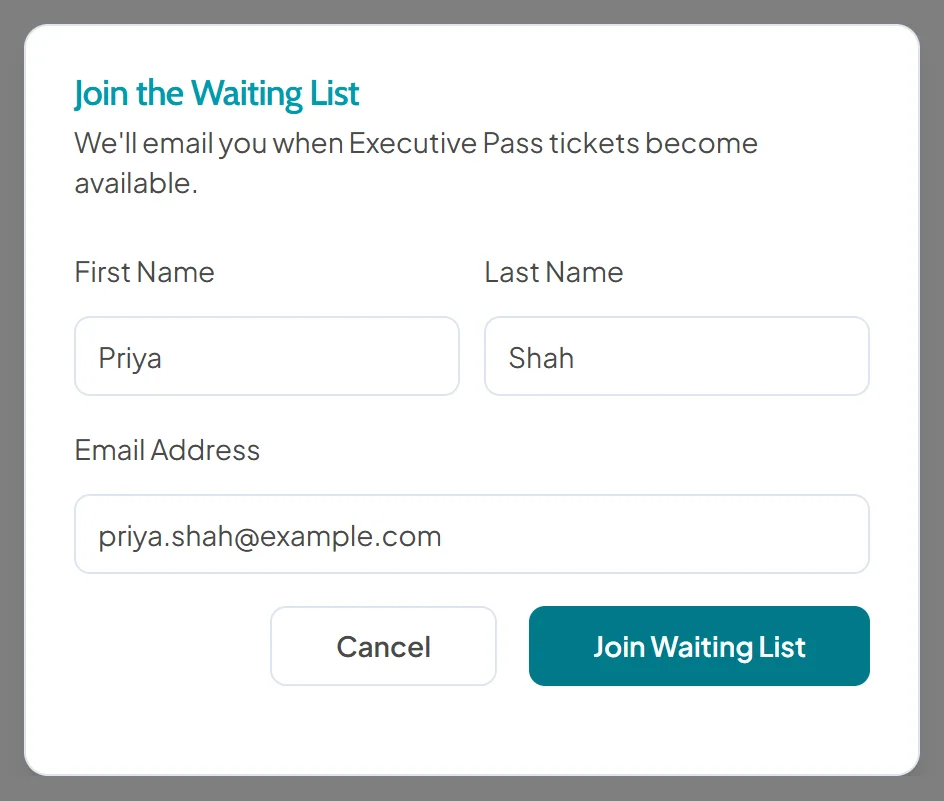
Announce the early bird, the next course date or the members' day before sales open. Any pass that is not on sale yet collects names by itself, and everyone on its list is emailed when its price window opens. Nobody has to set it up or press send.
- Nothing to switch on
- One list per pass
- Emails in the language they signed up in
- 0
- Set-up
- It appears on any pass not yet on sale.
- 1
- List per Pass
- One sign-up per email on each list.
- Auto
- Email When Sales Open
- Sent for you, in the language each person signed up in.
It Appears When the Pass Is Not on Sale.
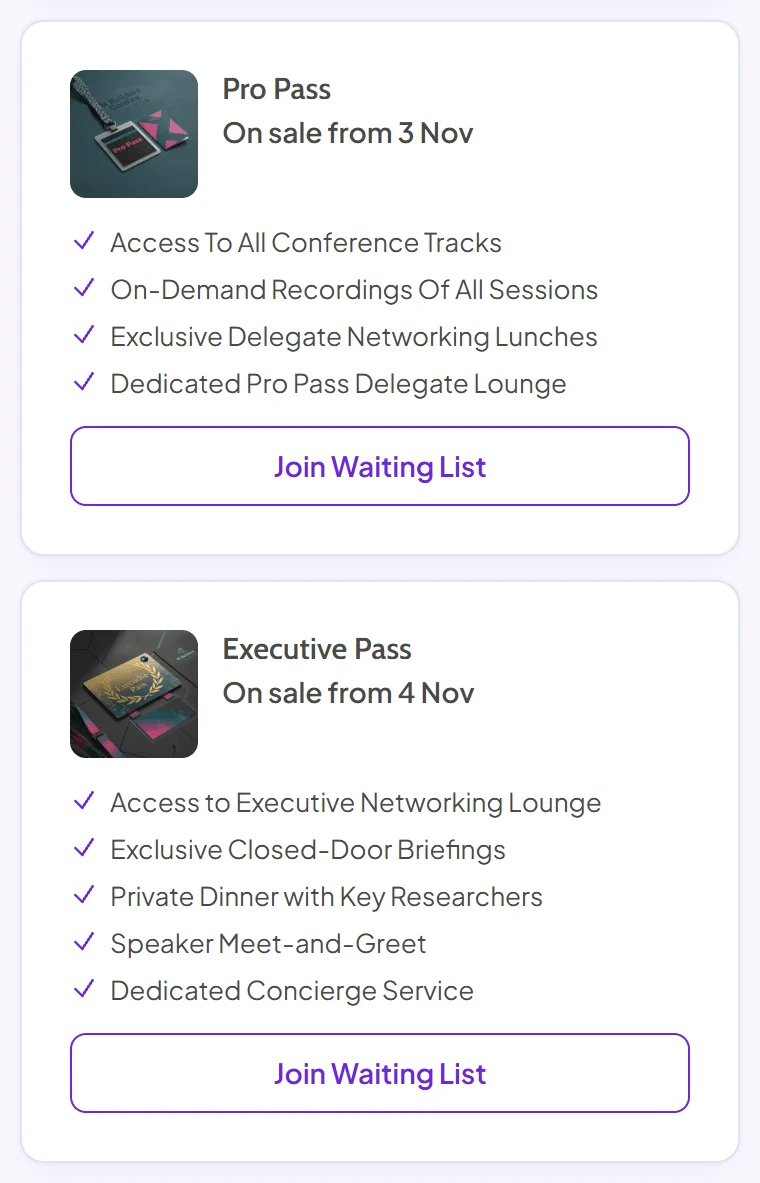
No toggle and no settings page. A pass without a live price window shows a Join Waiting List button, and the button steps aside the moment its window opens.
- Nothing to switch on: it is there on any pass that is not on sale yet.
- One list per pass: early-bird interest never mixes with masterclass interest.
- Steps aside on its own: when the price window opens, the usual ticket selector takes its place.
The Notification
When sales open, the email sends itself. The first to book get the places.
Everyone on the pass's list is emailed when its price window opens, in the language they signed up in, all at the same moment.
Every Name on the List. And Who Has Heard.
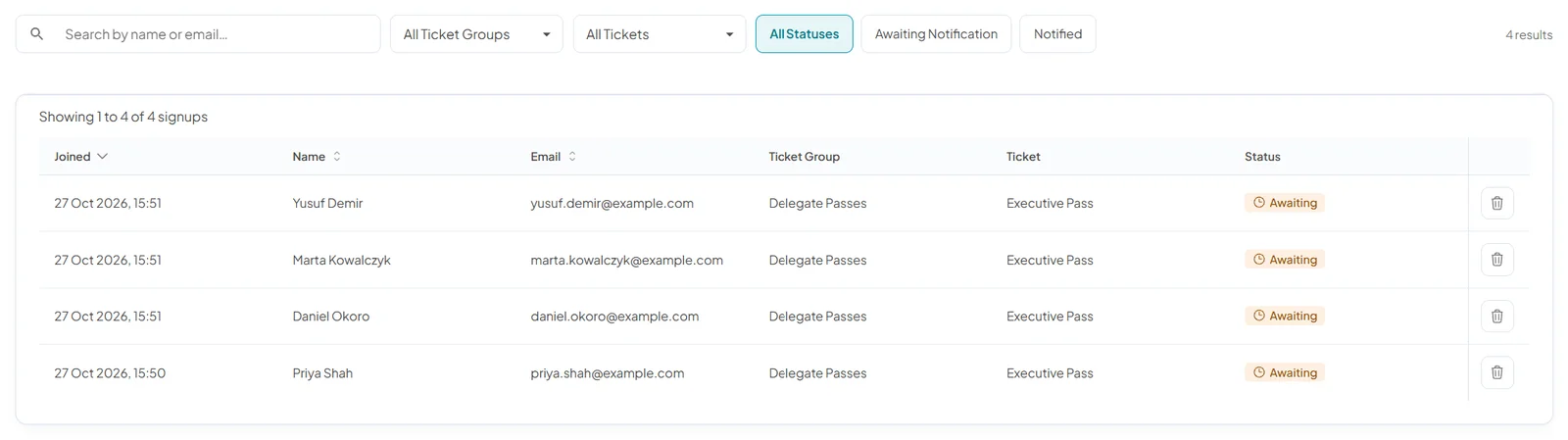
Each sign-up shows when they joined, their name and email, the pass they want and whether they have been notified yet. Search the list, filter it by ticket group, pass or status, and remove a sign-up you no longer need.
- One sign-up per email: on each list, so nobody is counted twice.
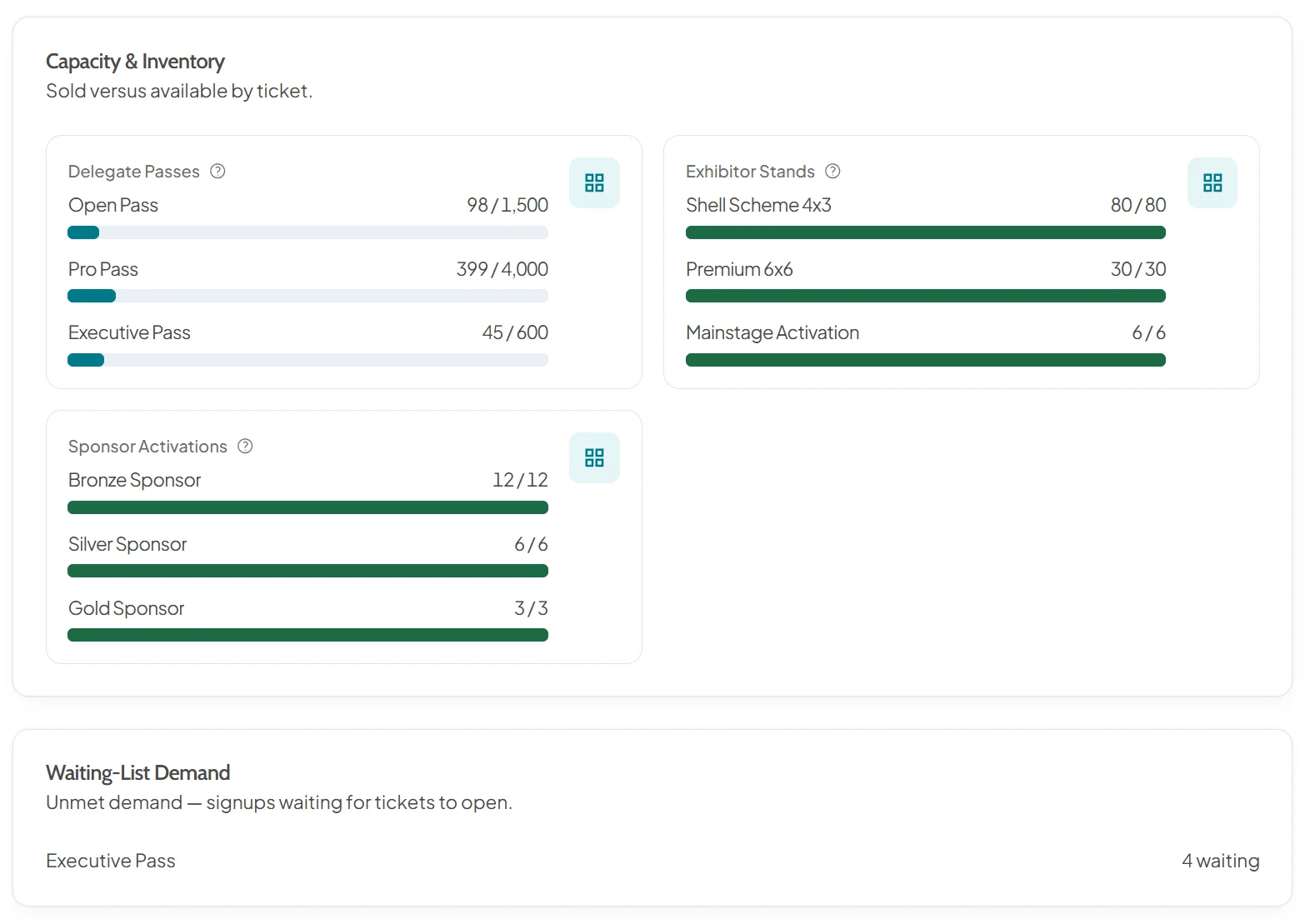
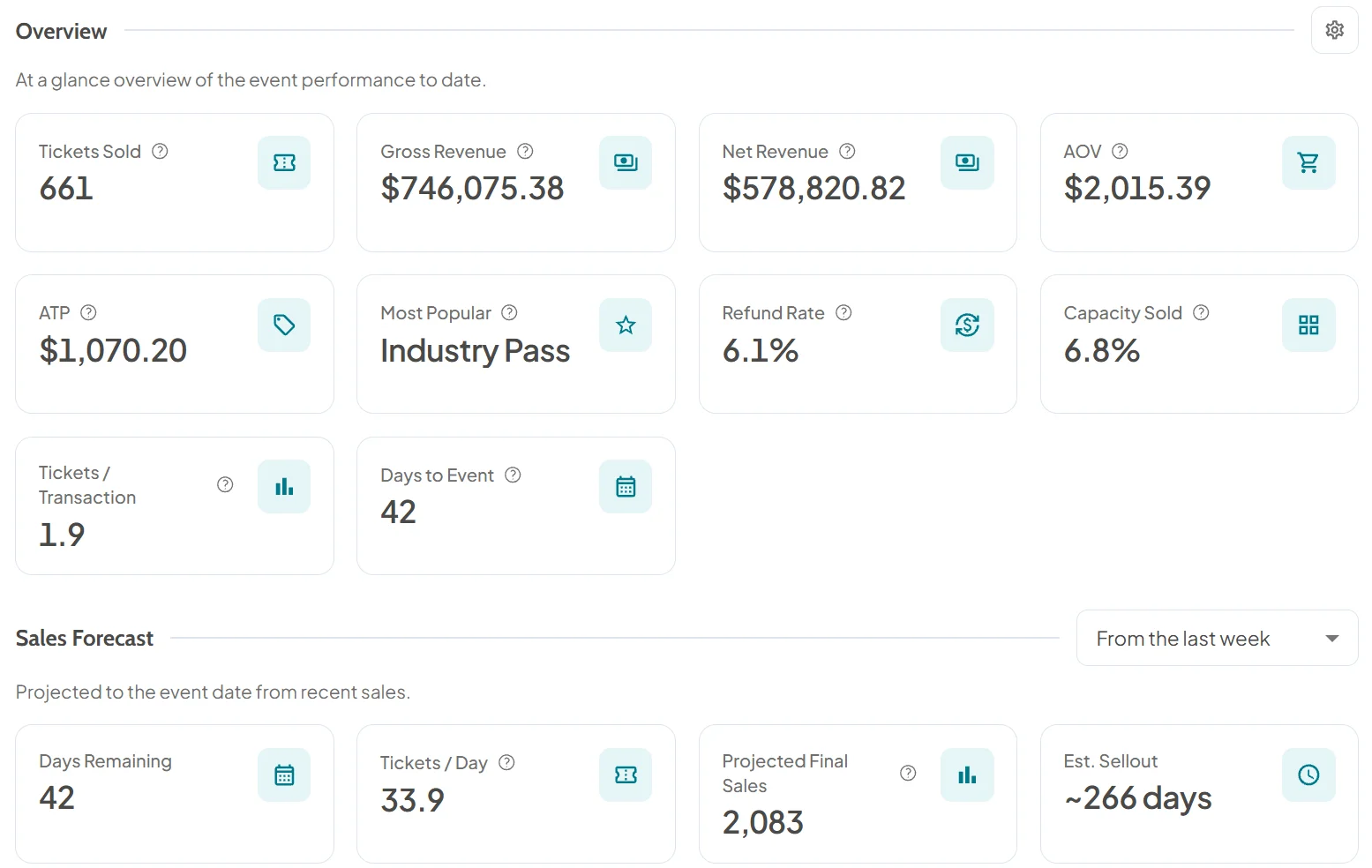
- Demand at a glance: Insights counts who is still waiting on each pass.
Where It Earns Its Keep.
Put a pass up before it goes on sale and the list does the waiting for you. Insights shows how many people are waiting on each pass beside what has sold, before you fix the room.
- The early-bird launch: put the pass on the page weeks ahead and let interest build until the window opens.
- Visitor registration for the show: put the free visitor pass up months early, and everyone hears the day it opens.
- The next course date: set it up as its own pass with sales not yet open, and interested delegates join its list.
- The members' day: announce it to members early and email the lot when you open it.
- Places held back for later: make them their own pass with a later price window, and its list fills until you open it.
- Capacity planning: waiting numbers per pass in Insights, before you commit to a room size.
What It Is. How It Behaves.
The rules, line by line. Price windows are set on each pass in attendee types and pricing. Selling out already? Tell us what you need from the workbench.
| Rule | Detail |
|---|---|
| Where It Appears | Any pass not yet on saleA pass with no live price window shows a Join Waiting List button. |
| Set-up | NoneIt steps aside when the price window opens. |
| Lists | One per passOne sign-up per email on each list. |
| Notification | Everyone emailed when sales openSent automatically, in the language each person signed up in. |
| Your Sign-up List | Joined, name, email, pass and statusSearch it, filter it by ticket group, pass or status, and remove a sign-up. |
| Demand in Insights | Waiting numbers per pass, per event |
| Who Gets the Places | The first to book, once everyone is emailed |
On the Workbench
- Waiting List for Sold-out PassesJoin a list for a pass that has sold outComing Soon
- Controlled ReleaseRelease places to the list when you chooseComing Soon
Before and After Opening Day.

Announce Early. Let the List Build Itself.
A waiting list on every pass that is not on sale yet, on every seat, with unlimited registrations and attendees. Rehearse it in the free trial.
- Nothing to switch on
- One list per pass
- Every capability on every seat