Want to know how to make QR code tickets for your event? The short version: pick a tool that generates a unique code for every ticket, attach that code to each attendee's ticket, send them out by email or wallet app, and scan them at the door with a check-in app. The crucial decision is made in step one, because a free QR generator and a ticketing platform produce squares that look identical and behave completely differently. One can be validated at the door. The other is a picture. This guide walks through both routes so you choose the right one before you have printed 400 useless badges.
First, the fork in the road: generator or platform?
This is the step most "how to make QR code tickets for an event" tutorials skip, and it is the one that matters. There are two ways to make a QR ticket, and they are not interchangeable.
A standalone QR generator makes one static code that points at whatever you tell it, a URL, some text, a PDF. It is free and fast. But a standalone generator is not built for ticket validation: it cannot detect duplicates, it cannot track attendance, and it cannot stop the same code being used fifty times. If you generate one code and email it to your whole list, you have made one ticket that everyone shares. That is a door charity, not a door policy.
A ticketing platform generates a separate unique code for every ticket automatically, ties each one to a single attendee record, and validates it at the door so a used code cannot work twice. If money is changing hands or capacity is finite, this is the route. If you genuinely just want to point people at a free RSVP page, the generator is fine. Decide now.
A QR code is easy to make. A QR ticket that cannot be used twice is the part you are actually paying for.
Route one: the quick DIY generator (free events, low stakes)
For a free, casual, low-risk event where you are not really enforcing anything, a generator gets you going in minutes.
Make a registration page or RSVP form and grab its URL.
Paste the URL into a reputable QR generator and download the image as a high-resolution PNG or SVG so it stays crisp when printed.
Pop the code on your poster, email, or flyer so people can scan it to reach the sign-up page.
Notice what this does and does not do. It gets people to your page. It does not issue anyone a personal ticket, and it cannot check anyone in. This is a marketing QR, not a ticket. Useful, but know its limits before you lean on it at the door.

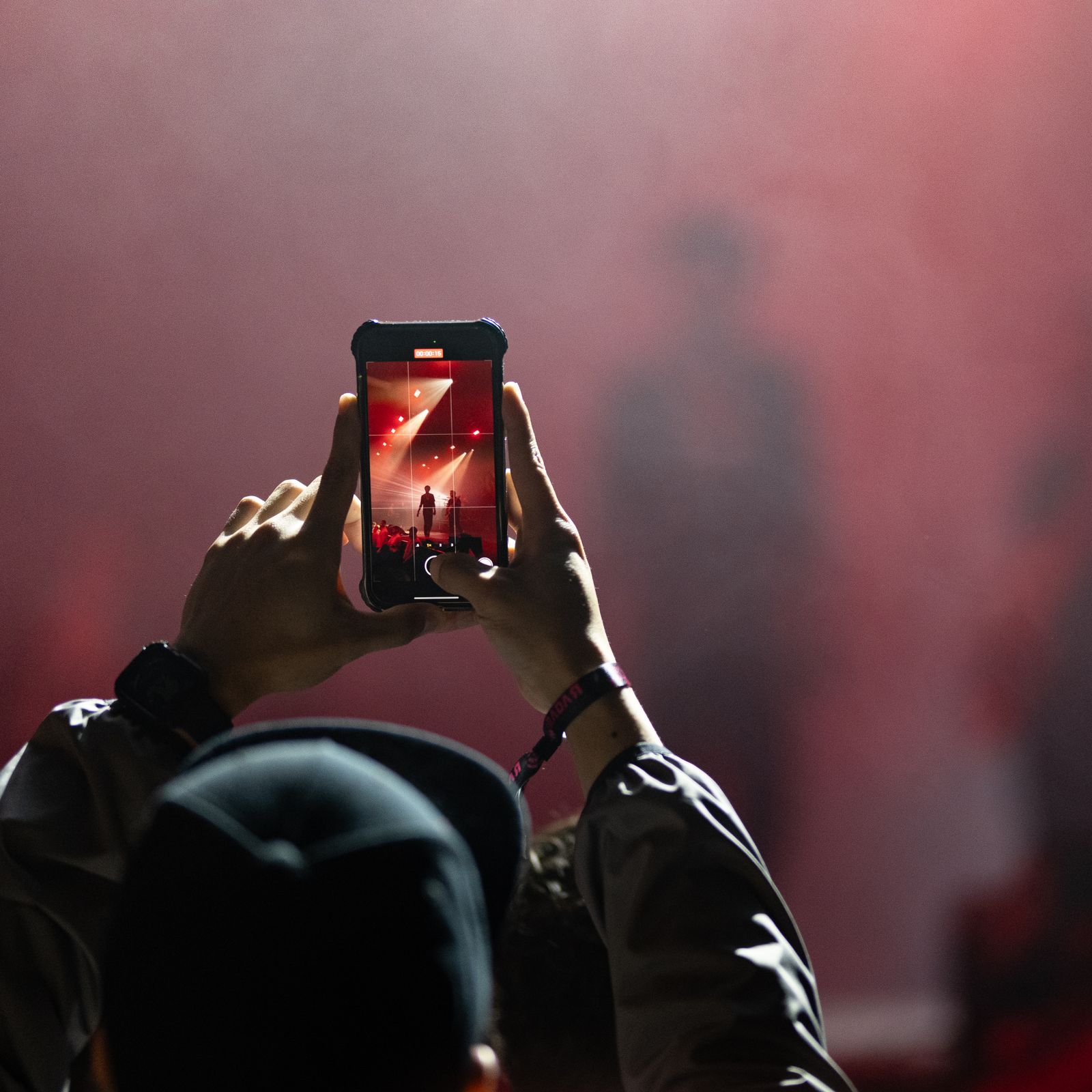
The ticket lives on the phone now. Your job is making sure each one is genuinely one-of-a-kind. Credit: A. Darmel / Pexels
Route two: real QR tickets with a platform (step by step)
This is what most organisers actually mean. Here is the full workflow for tickets that can be sold, validated, and counted.
1. Choose a ticketing platform built for entry
Pick a tool designed for event entry rather than a bare code maker, so each ticket gets its own code and the door can validate it. If you want the background on what is happening under the hood, our explainer on how QR code tickets work covers the mechanics in plain English.
2. Set up your event structure
Define the bones of the event: ticket tiers (general admission, VIP, season pass), capacity limits, entry windows or time slots, and pricing. The platform uses this to decide what each code is allowed to do, which is how a VIP code opens the VIP lane and a workshop code only works for that session.
3. Let the platform generate the codes
You do not hand-make these. When a ticket is issued, the platform automatically creates a unique QR code connected to that ticket's ID. One attendee, one code, one record. This is the single biggest reason to use a platform: the uniqueness is automatic and you cannot accidentally clone a ticket.
4. Brand the ticket (optional, but nice)
Adjust the colour, font, and logo to match your event, and put the essentials (event name, venue, date, time) near the code so attendees can read their ticket at a glance. A tidy ticket also cuts down on "is this the right one?" confusion in the queue.
What Would Zero Booking Fees Save You?
eventcloud charges a flat subscription, not a cut of every ticket. Compare it with what your current platform takes.
5. Distribute the tickets
Send codes straight to attendees by email, deliver them into a wallet app, or push them by SMS for speed. Attendees do not need to print anything; the code scans the same on a phone screen as on paper. Encourage a screenshot or wallet save as dead-battery insurance.
6. Validate at the door
On the day, open a check-in app and scan each code as people arrive. The app confirms the ticket is real, valid, and unused in about two seconds, then marks it used so it cannot work again. Want the throughput maths for a big crowd? We ran the numbers in checking in 1,000 attendees with phones.
Generator vs platform, side by side
| Capability | Free QR generator | Ticketing platform |
|---|---|---|
| Unique code per attendee | No, one static code | Yes, automatic at purchase |
| Stops a code being reused | No | Yes, single-use enforced |
| Takes payment | No | Yes |
| Tracks attendance | No | Yes, every scan timestamped |
| Works offline at the door | Not applicable | Yes, on the better apps |
| Best for | Pointing people at a free page | Selling and validating real tickets |
Three mistakes that ruin a perfectly good QR ticket
One code for everyone. Generating a single QR and blasting it to your whole list means anyone can forward it. Make codes per ticket, not per event.
Forgetting offline mode. Venue Wi-Fi fails for sport. If your check-in app cannot cache the guest list locally, a signal drop becomes a queue crisis. Test it before the day.
A code so small it will not scan. Print or display it big enough and with enough contrast that a camera locks on in poor lighting. A QR the size of a postage stamp is a bottleneck waiting to happen.
What about Apple Wallet and Google Wallet?
Wallet passes are QR (or barcode) tickets with a nicer coat on. Instead of digging through email at the door, the attendee taps their wallet app and the code is right there, often surfacing automatically based on the event date. Under the bonnet it is the same unique code doing the same job, so it scans and validates exactly like an emailed ticket.
Most decent ticketing platforms can issue wallet passes alongside the email ticket, and it is worth turning on. Fewer "hang on, let me find the email" moments in the queue is a small change that pays off across a few hundred arrivals. It also gives attendees a tidy place to keep the ticket so it does not vanish under a pile of newsletters. As a bonus, wallet passes can update themselves: if your venue or start time changes, the pass on the attendee's phone can refresh, so the version in their pocket is always the current one.
Do QR tickets cost anything to make?
Generating the codes themselves is effectively free; it is part of issuing the ticket. The cost sits in the platform that mints, sends, and validates them, and pricing models vary a lot. Some charge a fee on every ticket, which scales with your success, while flat-fee platforms charge a predictable subscription regardless of how many codes you generate. If you are weighing those models up, that distinction matters far more than any per-code charge, because the code is never the expensive part. Selling lots of tickets cheaply is the goal, so watch how the fee behaves as your numbers grow.
The short answer, one more time
To make QR code tickets for your event, decide first whether you need real, validatable tickets or just a code that points at a page. For anything with a price or a capacity, use a platform that mints a unique code per ticket, brand it, send it out digitally, and scan it at the door with an app that works offline. For a free, casual event, a generator pointing at an RSVP page is plenty.
If you would rather not stitch generators, payment links, and a scanning app together by hand, a single registration and check-in platform does all of it in one flow, and you can see what predictable, flat-fee pricing looks like before your tickets go live. Make the codes once, properly, and the door takes care of itself.