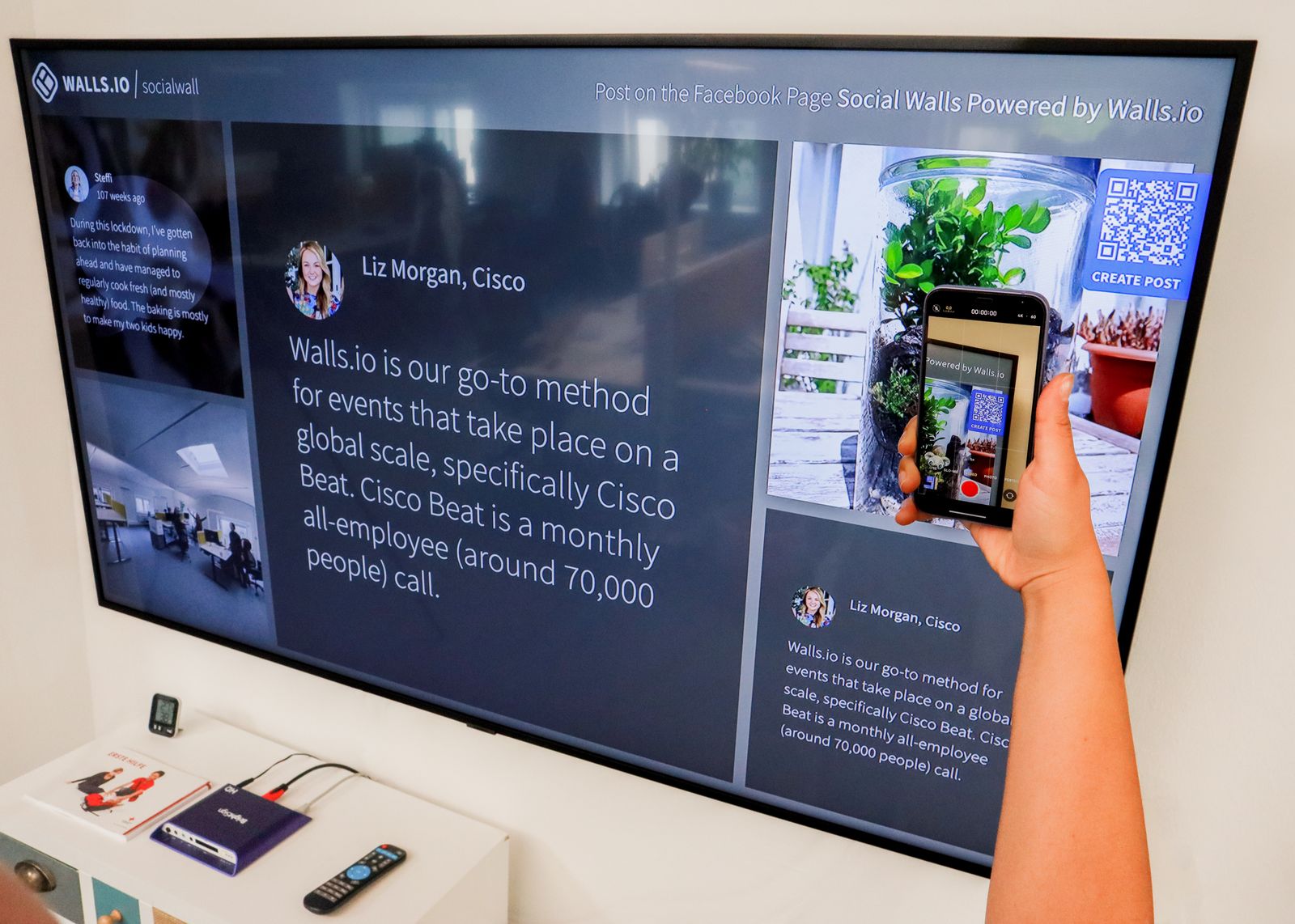
How do QR code tickets work? In plain English: when someone buys a ticket, your platform creates a unique code, turns it into that little square of black-and-white pixels, and attaches it to their digital ticket. On event day, a team member points a phone camera at the square, the app checks your records, and in about two seconds it confirms whether the ticket is real, valid, and unused. If it passes, the attendee is in and the ticket is instantly marked as used so it cannot work twice. That is the whole trick. The clever part is not the square. It is everything happening behind it.
Here is the guided tour, no jargon, no PhD in cryptography required.
How do QR code tickets work, step by step
A QR ("quick response") code is just a machine-readable label that stores a short piece of data, usually a unique reference number pointing to one specific ticket. Follow a single ticket from purchase to entry and the whole system makes sense.
Purchase. Someone buys a ticket. Your platform generates a unique code for that order and renders it as a QR image on the digital ticket (and on a PDF, if you offer one).
Delivery. The ticket lands by email, in a wallet app, or as a download. The attendee does not need to print it. The code on their phone screen works just as well as one on paper.
Arrival. At the door, a staff member opens a check-in app and points the camera at the code.
The check. The app sends that reference to your server, which asks three questions in a fraction of a second: does this ticket exist, is it valid for this event, and has it already been scanned?
The result. If everything passes, the attendee is admitted and the ticket is flagged as used. Green tick, in you go. If it has been scanned already, the app says so, and the queue keeps moving.
The reference itself is dull on purpose. As one plain-English guide puts it, the QR code is just a pointer. All the intelligence lives in your ticketing system, not in the square.
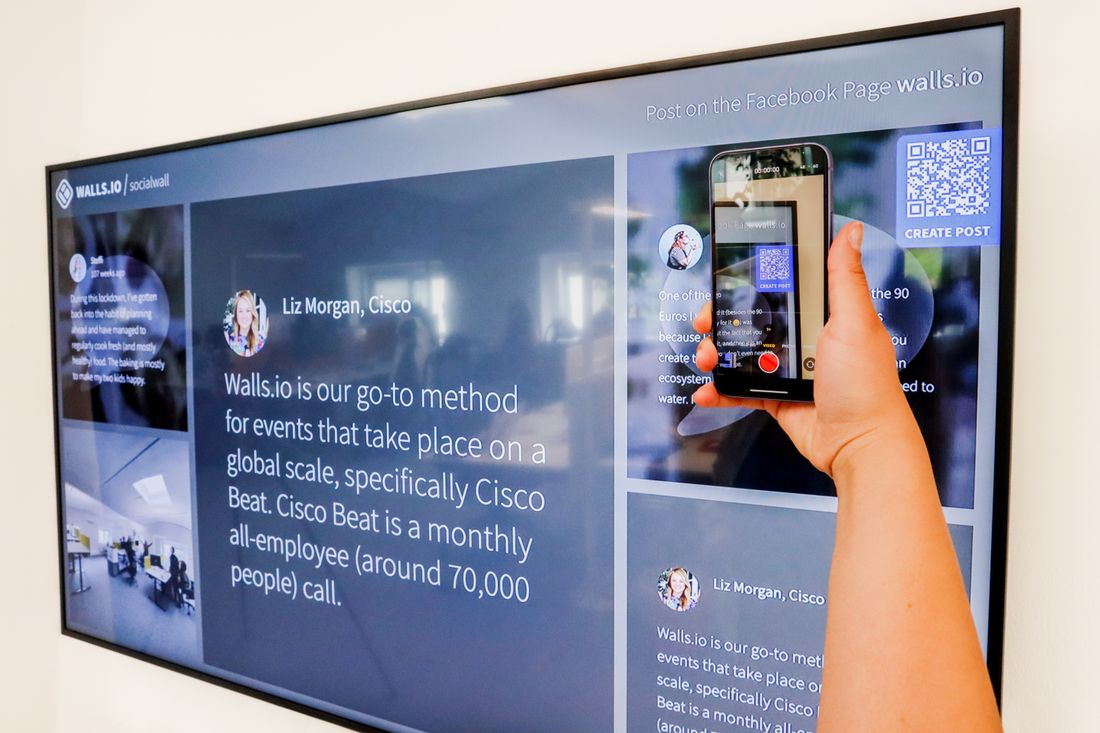
Point, scan, beep. The drama all happens on the server, where it belongs. Credit: Walls.io / Pexels
Why a QR ticket beats a printed list (and a PDF)
If you have ever run a door with a clipboard, you already know the pain: someone spells their name three ways, two people booked under one email, and the queue snakes out into the rain. QR tickets fix the maths.
The headline number is speed. Check-in time per attendee drops from roughly 30 to 60 seconds for a manual list lookup to about two seconds for a scan. Across a few hundred people that is the difference between a calm entrance and a furious one. It is also why we wrote a whole guide on checking in 1,000 attendees with nothing but phones, because once scanning is this fast, you do not need expensive hardware to move a crowd.
The second win is data. Every scan is logged with a timestamp, so after the event you know exactly how many people turned up, when they arrived, and which ticket types were used. A clipboard gives you a smudged list. A scanner gives you a chart.
But are they secure? Surprisingly, yes
Here is the question everyone asks, usually phrased as "what if someone just screenshots the ticket and sends it to a mate?" Good instinct. The answer is that it does not get them very far.
The QR code does not hold the value. Your ticketing system does. The square is a key, not a safe.
Because the code is only a pointer, validity, single-use enforcement, and the audit trail all live in your system. So if someone forwards a screenshot of a real ticket to five friends, only the first person to scan it gets in. Everyone after that gets a polite "already used" message and a slightly awkward moment. That single-use enforcement is precisely why QR tickets are far safer than a static printout, which has no idea it has been copied. The pixels are not encrypted treasure. They are a cloakroom ticket, and the cloakroom only hands the coat over once.
Do event tickets need to be printed?
No, and this is one of the most common questions, so let us settle it. A QR code on a phone screen scans exactly the same as one on paper, because the camera does not care what surface the square is sitting on. Most attendees now arrive with the ticket in their email or a wallet app and never touch a printer.
Check Guests In Before the Queue Forms
QR scanning, instant badge printing and live arrival stats, run from any phone or tablet on the door.
That said, "no need to print" is not the same as "never print." A few sensible exceptions:
Dead phone insurance. Some attendees like a paper backup, and a printed QR works as a fallback if a battery dies in the queue.
Patchy signal venues. The attendee's code does not need data, but make sure your check-in app works offline. More on that below.
Badges and credentials. Conferences often print the QR onto a badge at arrival, which doubles as the scan-in and the thing people wear all day.
What you actually need to run QR check-in
You do not need a warehouse of scanners. A modern QR ticketing setup is refreshingly light.
| Ingredient | What it does | Nice to have |
|---|---|---|
| Unique code per ticket | The pointer that makes single-use enforcement possible | Generated automatically at purchase |
| A check-in app | Reads the code and validates it against your records | Runs on any staff phone, no special hardware |
| Offline mode | Keeps scanning when the venue Wi-Fi inevitably wobbles | Caches the guest list locally, syncs later |
| A live dashboard | Shows arrivals in real time across every door | Lets you open a second lane when a rush hits |
The offline point deserves a star next to it. Venue Wi-Fi has a sense of humour, and it tends to fail at the worst possible moment. A check-in app that caches the guest list on the device will keep validating tickets through a signal blackout and sync the scans once it reconnects. If you are comparing tools, that feature is worth more than any glossy demo, which is why it tops our roundup of the best QR code check-in apps.
Quick answers to the questions everyone asks
What is actually stored in the code? Usually just a unique reference number, not your attendee's name, email, or card details. The sensitive information stays in your system, and the square only carries the key that unlocks it. That is good for privacy and good for security.
Can a QR ticket be faked? Someone can copy the image, but they cannot copy its single-use status. The moment the real one is scanned, every duplicate is dead. To forge a genuinely new working ticket, an attacker would need access to your ticketing system, not a photocopier.
Does the attendee need internet to get in? No. The code on their phone is just an image, so a flat data signal on their side does not stop the scan. The internet question applies to your check-in device, which is why offline mode matters on your end, not theirs.
What if two doors scan at once? A good platform syncs scans across devices in real time, so a ticket marked used at the main entrance is already used at the side door a second later. No double entries, no arguments. This is also how you split a busy crowd across several lanes without keeping separate lists: every scanner is reading from, and writing to, the same shared record.
Can the same code do more than one job? Yes. The same ticket can grant entry, unlock a session, and collect a meal at lunch, with each scan logged as a distinct action. That is why a single QR on a conference badge can run the whole day rather than handing everyone a fistful of separate vouchers.
The plain-English summary
QR code tickets work by giving every ticket a unique reference, hiding it inside a scannable square, and letting your system do the thinking at the door: real, valid, unused, in you go. They are faster than a list, safer than a printout, and they hand you a clean attendance record at the end of the night. Attendees do not need to print anything, and you do not need to buy specialist kit to scan them.
If you want to see what that looks like in practice, from automatic ticket generation to any-phone scanning and a live arrivals dashboard, take a look at how eventcloud's registration and check-in handles it end to end. Once you have watched a queue move at two seconds a head, the clipboard never comes back.