Here is a small field that saves you a fortnight of email tennis: the company purchase order number at checkout. When a corporate buyer books tickets, their finance team will not pay an invoice that has no PO number on it. If you did not capture it at the point of sale, you get to chase it afterwards, one polite follow-up at a time, while the seats sit unpaid and your cash flow holds its breath. Capturing the PO number as part of the booking, and printing it straight onto the invoice, turns a chase into a non-event. This guide covers exactly how to set that up and why it matters.
Why a purchase order number at checkout is not optional for B2B buyers
In most companies, an employee cannot just expense a stack of conference tickets. Procurement raises a purchase order first, which authorises the spend, and accounts payable will only settle an invoice that quotes that PO number back to them. No PO on the invoice means the invoice fails their matching process and lands in a queue marked "query", which is corporate for "we will get to it, possibly". A clean B2B checkout captures the billing entity, the purchase-order number, the agreed terms and the invoice contact all at once, so the paperwork is right the first time.
The PO number is the key that unlocks a corporate payment. Ask for it at checkout and you get paid on time. Ask for it afterwards and you get to send four emails and hope.
The cost of skipping this is not abstract. Every ticket sold to a company without a PO is a payment you now have to reconcile by hand, a follow-up you have to remember to send, and a delay between the sale and the money actually arriving. Multiply that across a corporate-heavy event and you have built yourself an unpaid-invoice admin job that did not need to exist.
Where the PO field should sit in your flow
The right place for the PO number is on the checkout form, next to the billing details, shown only to buyers who need it. You do not want to force every individual buying a single ticket to invent a purchase order they do not have. The cleanest pattern is a dedicated corporate or invoice ticket type that carries the PO field, company name and VAT number as part of its own registration questions. Individual buyers pick the standard ticket and never see them; corporate buyers pick the invoice ticket and answer three extra questions.
| Approach | How it works | Best when |
|---|---|---|
| Corporate ticket type | A separate invoice ticket type collects PO and billing details as questions | Corporate buyers are a distinct, sizeable group |
| Required PO for all | Every order must enter a PO before it completes | A closed B2B event where every buyer is a company |
| Chase it afterwards | Sell first, request the PO by email later | Never, if you can possibly avoid it |
Make the field pull its weight
Capturing the number is only half the job. The PO has to travel with the order all the way to the invoice, because a PO number sitting in a registration export that nobody copies onto the actual bill is useless. Capture it alongside the company name and VAT number, keep all three on the attendee record, and make sure whoever raises the invoice works from that record rather than from memory. Decide whether the field is required: for a genuinely B2B audience, make it mandatory so no order slips through without one. For a mixed audience, put it on the corporate ticket type only, so the buyers who need it always see it and everyone else never does.
A couple of practical touches make it robust. Label the field clearly ("Purchase order number, if your company requires one") so buyers who do not need it are not confused. Allow a reasonable length and format, because PO numbers vary wildly between companies. And keep a note of it against the order so that when payment lands, you can match the incoming amount to the PO without opening three tabs.
What Would Zero Booking Fees Save You?
eventcloud charges a flat subscription, not a cut of every ticket. Compare it with what your current platform takes.
It is also worth capturing the invoice contact separately from the person attending. Often the delegate booking the ticket is not the person in accounts payable who will actually pay it, and sending the invoice to the attendee just adds a forwarding step and another delay. A single "who should we send the invoice to" field, with a name and email, means the paperwork lands on the right desk first time. Small field, big difference to how quickly the money moves.

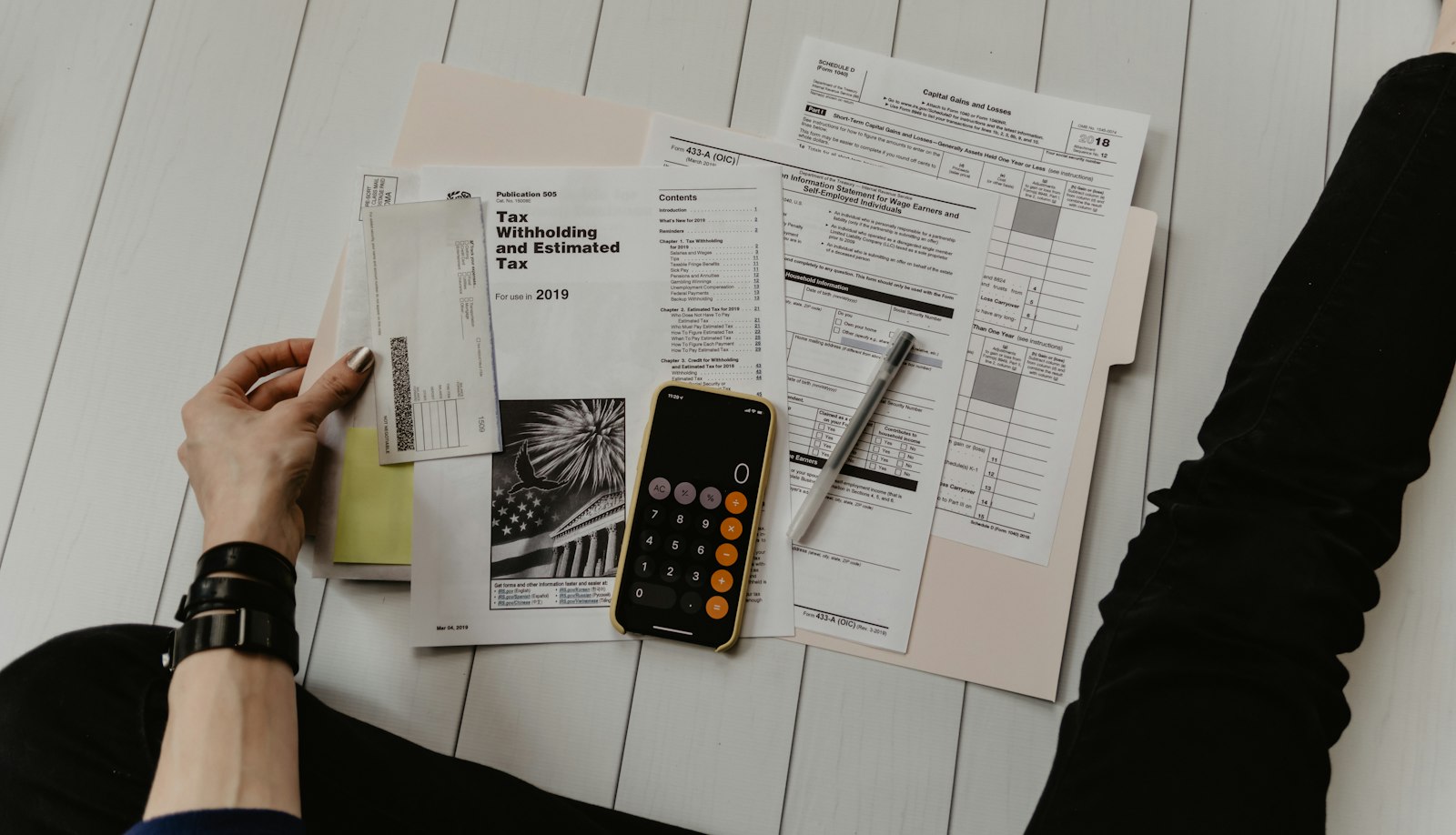
The invoice a corporate finance team will actually pay: PO number included, no chasing required. Credit: Jakub Zerdzicki / Unsplash
The reconciliation payoff
When the PO is captured at checkout and printed on the invoice, the back end of the process gets dramatically quieter. Finance teams pay on time because their matching process is satisfied. You can reconcile a payment against its PO in seconds. And you are not spending the week after your event playing detective with a bank statement full of company names that do not obviously map to orders. Clear documentation of purchase order numbers is exactly what makes reconciliation fast rather than forensic.
There is a cash-flow angle too. If your platform holds ticket money and pays you out days after the event, an unpaid corporate invoice sits in an awkward limbo. When payments settle into your own Stripe account, a paid invoice is simply money in your bank, matched to its PO, with nothing sitting in a platform queue. You keep control of the timing and the paper trail. See our pricing for how the own-account model works in practice.
How this differs from chasing invoices after the fact
This article is deliberately about the capture step, the small field at checkout, because getting that right is what prevents the problem in the first place. If you are already stuck in the follow-up loop with corporate buyers who booked without a PO, that is a different job: our guide to stopping the invoice follow-up loop covers the remediation side. The two fit together neatly. Capture the PO at checkout so most invoices never need chasing, and use the follow-up playbook for the handful that still do.
The honest exception
If your event is aimed squarely at individuals paying by card, do not bolt a PO field onto everyone's checkout. It adds friction for people who have no idea what a purchase order is and will only slow your conversion. The PO field is for events with a real corporate contingent: conferences, trade shows, professional training, anything where a meaningful share of buyers are booking on behalf of an employer. For those, the field is not admin overhead, it is the difference between getting paid on schedule and getting paid eventually.
The short version
Add a PO number field to checkout, revealed for corporate or pay-by-invoice buyers. Collect the company name and VAT number alongside it. Make it required where your audience is genuinely B2B. Flow whatever the buyer enters straight onto the invoice, and keep it against the order for reconciliation. Do that, and the single most common reason a corporate invoice goes unpaid quietly disappears.
If you want to see PO capture on the registration form and payments settling into your own Stripe account, take a look at the eventcloud platform and set your next corporate sale up so the paperwork is right first time.