Group ticket sales sound simple until someone buys ten tickets, forwards nothing to anyone, and ten confused people turn up at the door with no idea which ticket is theirs. If you want to set up group and bulk ticket sales without that chaos, the golden rule is this: decide up front whether you collect each attendee's details at the moment of purchase or let the buyer fill them in later, and make that choice deliberately rather than by accident. This guide covers the three things people actually mean by "group tickets", the per-order versus per-attendee data trap that causes most of the mess, and how to keep check-in smooth when one person pays for many.
Three different things people call "group tickets"
Before you build anything, work out which of these you are actually selling, because they behave very differently and mixing them up is where the confusion starts. "Group tickets" is used loosely to mean at least three distinct set-ups, and the right configuration depends entirely on which one you mean.
| What people mean by group tickets | How it works | Best for |
|---|---|---|
| A bundle (Table of 8) | One fixed-quantity package sold at a single price, inventory drops by the whole bundle | Galas, corporate tables, team bookings |
| A volume discount | The same ticket, with the price dropping once the buyer passes a quantity threshold | Community groups, clubs, bulk buyers |
| One buyer, many tickets | A single order that issues many separate, individually valid tickets | Companies sending a delegation |
A gala table is not the same object as ten discounted general-admission tickets, and neither is the same as a company buying twenty passes it will distribute internally. Pick the model that matches the buyer's intent, and a lot of the potential confusion disappears before you have written a single confirmation email.
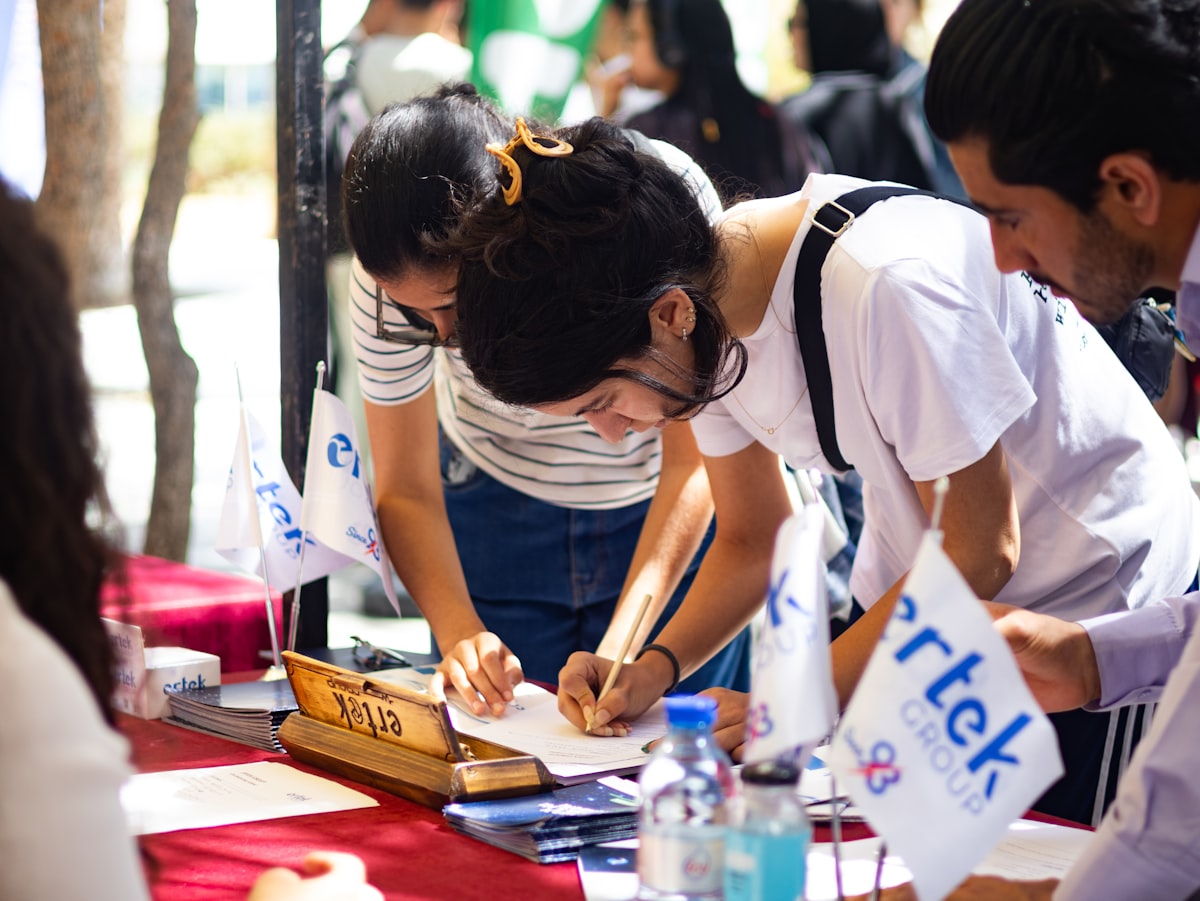
The moment of truth for any group sale: does everyone have their own scannable ticket? · credit: Faustina Okeke / Unsplash
The per-order versus per-attendee trap
Here is the distinction that quietly makes or breaks every group sale. Some data belongs to the order, and some belongs to each attendee, and treating them the same is the single most common way group registration goes wrong.
Per-order data is about the transaction: the buyer's email, the billing address, the discount code used. You ask for it once, from the person paying. Per-attendee data is about each individual person walking through the door: the name on their badge, which session they picked, their dietary requirement. That has to be captured per ticket, not per order, or you end up with ten identical tickets all bearing the buyer's name and a check-in desk that cannot tell your attendees apart.
If a buyer purchases ten tickets and every one of them says "John from Accounts", you have not sold group tickets. You have sold John ten problems.
So the design question is simply when you collect the per-attendee details. There is no single right answer, only a right answer for your event, which is why it pays to choose consciously rather than accept whatever the platform does by default. Reliable per-ticket data capture is a core registration feature, and it is worth checking your platform handles it cleanly, as we cover on the eventcloud product page.
Collect attendee details now, or let the buyer fill them in later?
You have two workable patterns, and the trade-off is between clean data now and a fast checkout now. Collecting everyone's details at the point of purchase gives you complete, badge-ready information immediately, which is ideal when you need names, sessions or meal choices locked in early. The cost is friction: asking a busy PA to type ten colleagues' details before they can pay is a great way to lose the sale.
The alternative is to keep checkout light. Take only the buyer's details, issue the tickets, and give that buyer a link to name and complete each attendee afterwards, or let them simply forward individual tickets so each person registers themselves. This is far kinder to large corporate orders, where the buyer often does not yet know exactly who is coming. The catch is that you are now chasing that information later, so set a clear deadline for attendee details to be completed before the event.
What Would Zero Booking Fees Save You?
eventcloud charges a flat subscription, not a cut of every ticket. Compare it with what your current platform takes.
A neat middle path is to require per-attendee fields only when the event genuinely needs them. If all you need is a headcount and a QR code per person, do not force meal preferences and job titles into the checkout. Keep the form short, because every extra required field is another reason a group order stalls halfway through, exactly the abandonment problem that plagues over-long registration flows.
Getting the pricing and payment right
How you price a group offer changes how buyers behave, so be deliberate about it. A bundle like a "Table of 8" sold at a single headline price feels like a package and encourages the whole-table purchase you want for a gala. A volume discount, where the per-ticket price drops once a buyer passes a threshold, rewards larger orders without forcing anyone into a fixed quantity, which suits clubs and community groups buying in odd numbers. Set the threshold and the discount deliberately, because a discount that triggers too early just hands money away on orders people would have placed anyway.
Payment method matters too. Corporate buyers frequently cannot put a group order on a personal card and need an invoice or a purchase order, so if you sell to businesses, check your platform can raise an invoice and mark it paid on receipt rather than forcing card-only checkout. On the money side, remember that when payments run through your own account, group revenue lands with you as tickets sell rather than being held by a middleman, which helps if you are paying suppliers or caterers ahead of the event. Match the payment options to who is actually buying and the large orders stop stalling at the final step.
Do not forget the check-in desk
Group sales are won or lost at the door, not in the shopping cart, so design backwards from check-in. The failure everyone remembers is the one where a buyer holds all ten tickets on their phone and the other nine attendees are stuck outside while your team squints at a screen. The fix is to make sure the platform issues a separate, individually scannable ticket per attendee, not one order-level ticket for the whole bundle. Each person should be able to arrive independently, present their own QR code, and be checked in without the buyer physically present.
Then plan for the thing that always happens with groups: someone drops out and a colleague comes instead. Last-minute substitutions are normal for corporate and community bookings, so your team needs to reassign or rename a ticket in seconds, ideally from the same phone or dashboard used to scan people in. If changing a name means cancelling and rebooking, or emailing support mid-event, you will have a queue. Test the substitution flow before the day, not during it. A group that can swap "Priya" for "Sam" at the registration desk in ten seconds is a group that checks in without a bottleneck.
Different buyers, different needs
One more honesty point: treating every group the same is a mistake, because the humans behind a bulk order want different things. Corporate buyers want speed and a clean invoice, and they will happily distribute tickets internally, so a light checkout with self-service attendee completion suits them. Schools and youth organisations care about roster control and safety information, so per-attendee data captured up front matters more, and substitutions need to be easy. Community groups often book early and change their line-up right up to event day, so flexible transfers and name changes keep them happy.
Whichever pattern you choose, make sure two things hold true at the door: every attendee has their own individually scannable ticket, and your team can transfer or reassign a ticket in seconds when a name changes at the last minute. Get those right and a coach-load of attendees checks in as smoothly as a solo buyer. If you want group and bulk orders that collect the right data without confusing your buyers, see how flexible per-attendee registration works on eventcloud.