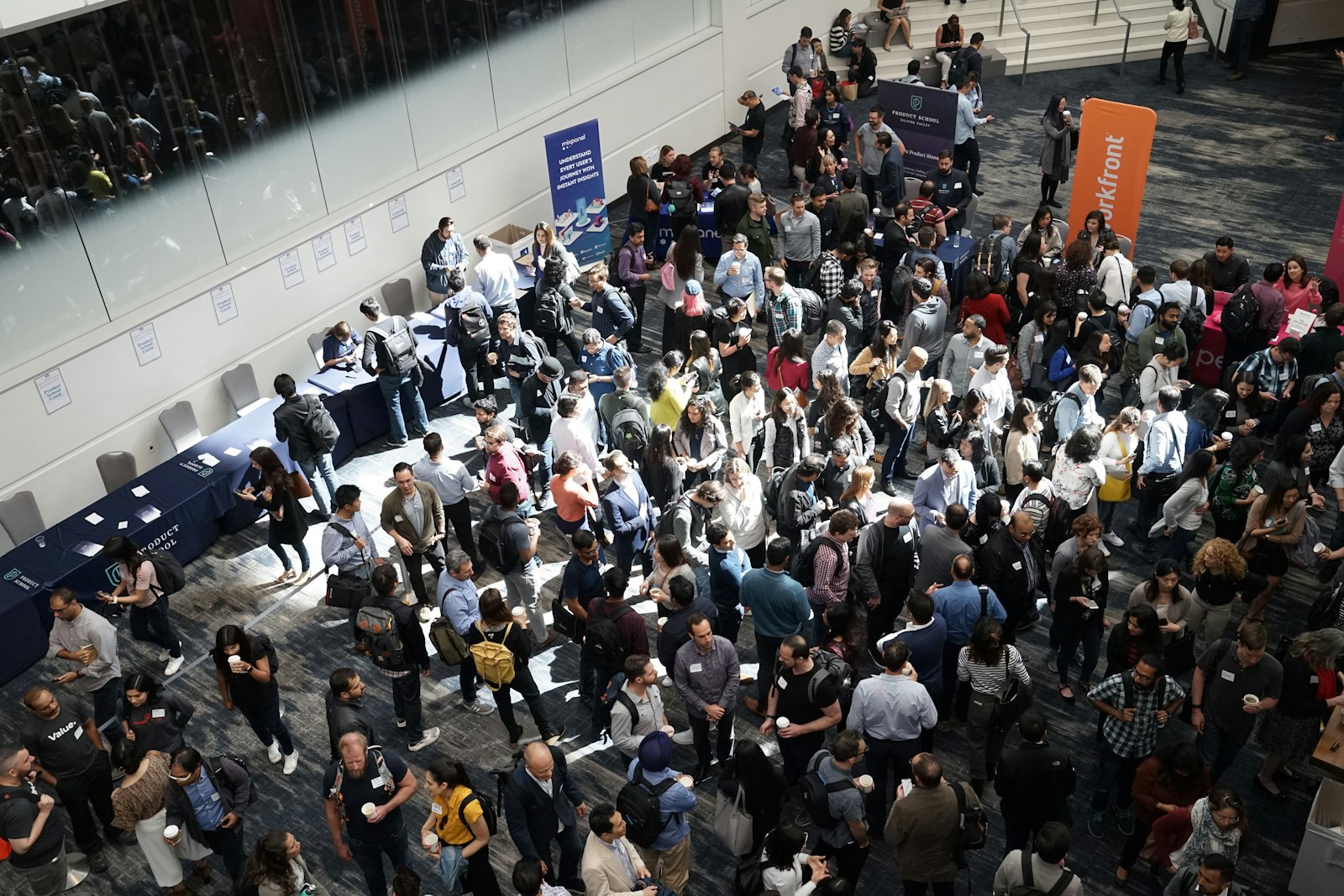
Event check-in is the process of confirming that each person arriving at your event is meant to be there, then marking them as present so you know who actually turned up. At its fastest, that means scanning a QR code on a phone or badge and watching for a green tick in under three seconds. At its slowest, it means a volunteer running a highlighter down a printed list while a queue coils out of the door and into the car park. This guide explains how event check-in works, why the gap between those two experiences is so enormous, and how to make yours fast enough that nobody remembers it happening.
Good check-in is the most underrated job at any event. Get it right and the first thing your attendees feel is "that was easy". Get it wrong and the first thing they feel is regret, which is not the mood you want to bottle and sell back to them as a great day out.
How does event check-in work?
Modern event check-in has four moving parts, and understanding them is the whole game.
First, every registered attendee gets a unique identifier, almost always delivered as a QR code on a digital ticket, an emailed badge, or a wallet pass. That code is not the ticket itself; it is a pointer to a record in your registration system that says who they are, what they paid for, and whether they have already walked in. For the full plain-English version of that mechanic, we wrote a separate guide on how QR code tickets work.
Second, a scanning device reads the code. This can be a dedicated handheld scanner, but in 2026 it is far more likely to be a phone or tablet running a check-in app, using the camera as the scanner. The app looks up the record, checks that the ticket exists, is valid, and has not already been used, and then marks it as checked in.
Third, that "checked in" status syncs to a central dashboard so every device, and every member of your team, sees the same live picture. Scan a ticket on the door and the organiser standing by the stage sees the headcount tick up a second later.
Fourth, there is a fallback: a way to search by name or email when a code will not read, because phones die, screenshots blur, and someone always forgets which email they used.
If your check-in process cannot answer "has this person already come in?" instantly, it is not a check-in process. It is a guest list with extra steps.
QR scan versus the clipboard: the maths nobody runs
The reason check-in speed matters is that small per-person delays multiply into genuinely silly numbers. A QR scan confirms identity and marks attendance in under three seconds. A manual paper check-in averages four to six minutes per attendee once you account for spelling out names, hunting down the right line, and the inevitable "I think I registered under my partner's email" conversation, according to Cvent's check-in guide.
Multiply that across a real crowd and the difference stops being a nice-to-have. At a 500-person event, the gap between QR and manual check-in adds up to roughly 45 minutes of cumulative queue time, per the same source. At enterprise scale the effect is dramatic: Salesforce's Dreamforce moved 30,000 attendees through QR and digital passes and reported check-in around three times faster than traditional tickets, as covered in Micepad's 2026 check-in guide.
Here is roughly what your door looks like depending on how you run it.
| Method | Time per attendee | 1,000 attendees, 4 lanes |
|---|---|---|
| Paper list with highlighter | 4 to 6 minutes | Several hours, queue out the door |
| Search-by-name on a tablet | 20 to 40 seconds | Around 80 to 165 minutes |
| QR scan on phones | Under 3 seconds | Around 12 to 15 minutes |
| Self-service kiosk with badge print | 15 to 30 seconds | Around 60 to 125 minutes |
The lesson is not "scanning is magic". It is that the bottleneck is almost never the technology. It is the number of lanes and the number of seconds each one takes. Halve the seconds, double the lanes, and a frightening queue becomes a non-event.
How to make event check-in fast
Speed at the door is a planning problem you solve weeks earlier, not a heroics problem you solve on the day. Five things do most of the work.
Check Guests In Before the Queue Forms
QR scanning, instant badge printing and live arrival stats, run from any phone or tablet on the door.
1. Use any-phone scanning and add lanes
The single biggest lever is parallelism. If your platform lets any staff phone become a scanner, you can spin up five or ten lanes for the cost of asking volunteers to install an app. Five phones scanning at three seconds each clear 1,000 people in roughly twelve minutes. We walked through that exact set-up in how to check in 1,000 attendees with nothing but phones. Hardware scanners are lovely, but a queue does not care whether the green tick came from a $400 device or a four-year-old handset.
2. Give every staff member their own login
When each volunteer signs in with their own credentials, your dashboard shows who scanned what and when. That matters for accountability, for spotting a lane that has stalled, and for switching someone off instantly if a device goes walkabout. Shared logins feel simpler until the moment you need to know which of nine people let in the gatecrasher.
3. Plan for the code that will not read
Always have a non-QR backup, because technology fails and frustrated attendees remember the bad bit far more vividly than the good bits. A proper check-in app lets staff search by name or email and check someone in manually in a few seconds. Without that, one dead phone battery becomes a ten-minute standoff while the queue behind it learns a new emotion.
4. Put the QR code where staff can actually find it
If you print badges or tickets, place the code in a consistent, unobstructed spot, bottom-right or centre-right works well, and keep names and titles large so staff can confirm identity by eye while they scan. A badge with the code buried under a lanyard clip is a badge that slows every single lane.
5. Rehearse the five-minute demo
Before the event, run a quick test: time a single scan from "phone up" to "green tick", confirm the app can search by name when a code will not read, check that multiple devices stay in sync, and make sure check-in data lands back in your registration system automatically rather than trapped on one handset. Five minutes of testing beats an hour of improvising at 8am.
Arrival rates: the number that decides your staffing
Total headcount tells you how big your event is. Arrival rate tells you how big your door needs to be. A 600-person conference where everyone shows up in a relaxed trickle across two hours is a calm morning. The same 600 people arriving in a 20-minute crush before a 9am keynote is a stampede that needs three times the lanes.
Estimate your peak arrival window honestly. Keynote-led conferences, award dinners with a fixed start, and anything with assigned seating all create sharp arrival spikes. Trade shows and open-house formats spread arrivals out and need fewer lanes. Staff for the peak, not the average, and you will never be the event people tweet about for the wrong reasons.
What good check-in software actually does
Strip away the buzzwords and a check-in tool earns its keep on a short list of objective criteria: it turns ordinary phones into scanners, it keeps working when the venue Wi-Fi does not, it syncs every device to one live count, it lets staff search by name as a fallback, and it pushes attendance data straight back into your records with no end-of-day export ritual. Platforms such as eventcloud are built around exactly that set of jobs, with any-phone scanning, individual staff logins, and a live dashboard as standard rather than as a paid bolt-on. If you want the wider field, we compared free and paid options in the best QR code check-in apps for events.
Be honest about where you land, though. If you are running a free 30-person community meet-up, a printed list and a friendly face at the door is completely fine, and a check-in platform is overkill. The moment money, capacity limits, or a door rush enter the picture, the maths above starts working against the clipboard fast.
If fast, painless check-in is the experience you want your attendees to walk in on, it is worth seeing how the scanning, staff logins, and live dashboard fit together. Take a look at what eventcloud does on the door and picture your own queue moving at three seconds a head.