It is twenty minutes to doors and there is a queue forming outside. Roughly one in ten of these people never bought a ticket online and fully intends to pay on the night. In cash. Which you now have to count, safeguard, reconcile and bank, while also scanning the people who did buy online, all from behind a fold-out table. If the phrase "card machine nightmare" makes your eye twitch, this guide is for you: how to sell tickets at the door smoothly without renting clunky hardware or drowning in a shoebox of notes.
Here is the good news in the first hundred words: you almost certainly do not need a dedicated card machine at all. Modern phones can take contactless card, Apple Pay and Google Pay payments directly, with no separate reader, no rental, no cables. If you can check someone in on a phone, that same phone can take their payment. The nightmare was never door sales themselves. It was the assumption that door sales require special hardware and a pile of cash.
Why Cash-only Door Sales Are the Real Nightmare
Cash feels simple until you actually run the numbers on it. Someone has to bring a float, make change under pressure while the queue grows, keep the takings secure all night, count it twice, and reconcile it against how many people you let in. Then the online sales sit in one system and the door cash sits in an envelope, and matching the two is a Monday-morning job nobody wants. Add the risk of miscounting, theft or a simple arithmetic slip and cash-only door sales quietly cost more than they save.
Card and wallet payments remove almost all of that. The money lands in your account, the transaction is logged automatically, and the door sale looks exactly like an online sale in your reporting because it is recorded the same way. The only reason organisers stuck with cash for so long was that taking cards at the door used to mean hiring a terminal. That reason has expired.
The card machine nightmare was never the card machine. It was the shoebox of cash you had to reconcile the next morning.
Your Phone Is the Card Machine Now
The single biggest change in on-the-door payments is Tap to Pay. An NFC-enabled phone can now accept a contactless card or a digital wallet tap directly, with nothing plugged in. Apple's Tap to Pay on iPhone and the Android equivalent turn the device already in your pocket into a full contactless terminal, and payment providers have built this straight into their apps.
The practical upshot for a door team is enormous. Every volunteer with a compatible phone becomes a paying lane. You are no longer bottlenecked by the one rented terminal, and you are not handling cash. A buyer walks up, you take the payment on the phone, they are checked in, and the whole thing is recorded in the same place as your online orders. Providers from Stripe and Square through to phone-first tools like Billetto and Posh now support tapping a card or wallet on the device with no extra reader, and the list is growing fast.
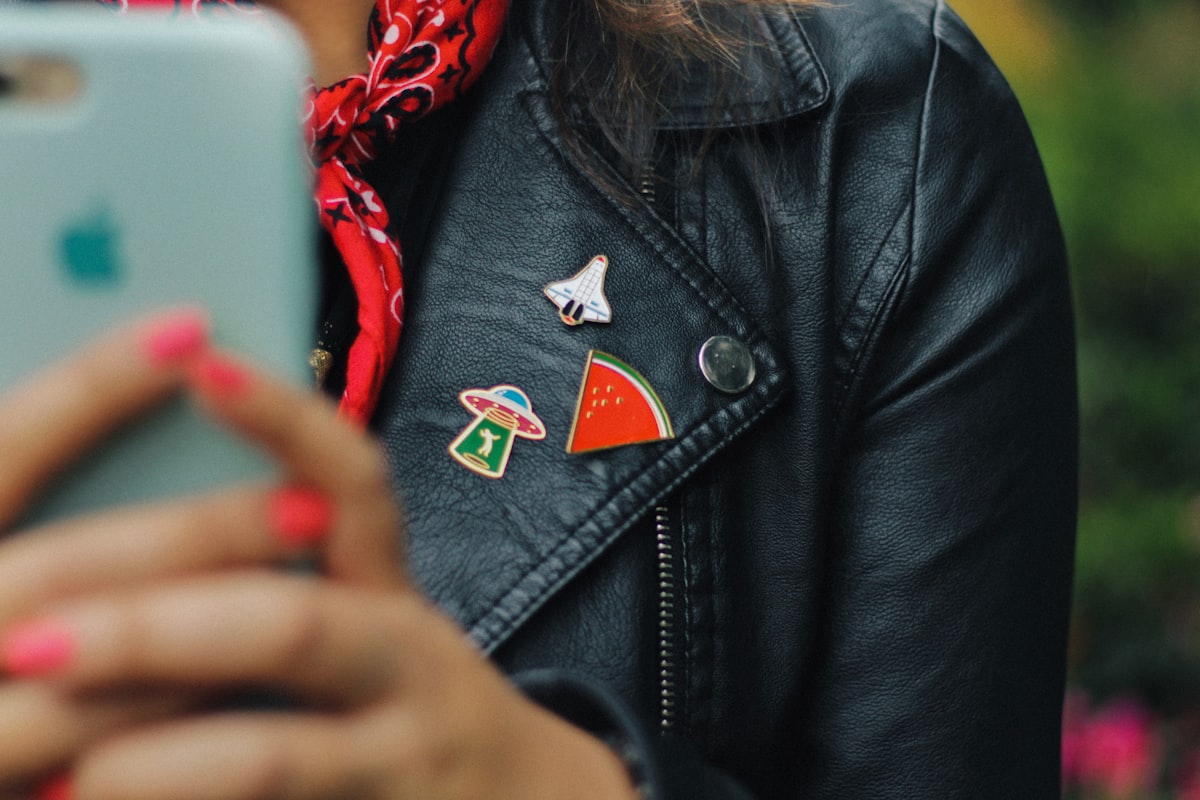
If a phone can check people in, it can take their payment too. No terminal, no cash tin. Credit: Luis Cortes / Unsplash
The Ways to Sell Tickets at the Door, Compared
There are really only three approaches to on-the-door payments, and they are not equal on the two things that matter at 7:40pm: speed and reconciliation.
| Method | Speed at the Door | Reconciliation Afterwards |
|---|---|---|
| Cash only | Slow, making change | Manual count, matched by hand |
| Rented card terminal | Fast, but one lane per unit | Separate device, separate report |
| Tap to Pay on a phone | Fast, one lane per phone | Automatic, same record as online |
The phone approach wins on both counts, and it costs nothing to add lanes because your team already owns the hardware. Cash still has a place for the genuinely small community event where a card fee on a five-pound ticket feels silly, so keep a small float if your crowd expects it, but for most events the phone should be the default and cash the exception.
Delegate, Speaker, Exhibitor, VIP: One Event, Every Pass.
Give each audience its own pass type, registration form, price schedule and confirmation email, with badges designed from the answers.
Keep Door Sales and Online Sales in One Place
The feature that actually kills the nightmare is not the payment method, it is where the sale gets recorded. If your door tool and your online ticketing are two separate systems, you are back to reconciling two sets of numbers and, worse, risking overselling because neither system knows the other's live count. The whole point of taking cards on a phone falls apart if the sale lands somewhere your registration data cannot see.
The clean setup is one platform where a door sale and an online sale hit the same live inventory and the same report. Sell the last ten tickets at the door and the online page shows sold out instantly. Every door payment appears in the same sales report as the online orders, so there is nothing to match up on Monday. On eventcloud that single source is your event's own registration page: a walk-up opens it on their phone from a QR code by the door, pays by card through Stripe's checkout, and the order lands in the same count and the same report as every online sale, ready for check-in to scan a minute later.
What to Charge on the Night, and the Fee to Watch
On-the-door pricing is a small decision that pays off twice. Setting the door price a little above the online price, say ten or fifteen per cent, rewards the people who committed early and gently pushes future crowds to buy in advance, which is exactly what you want because advance sales are easier to plan catering and staffing around. It is not gouging, it is a nudge, and buyers understand it instinctively because cinemas, trains and airlines all price the last-minute option higher.
The fee worth watching is the one hiding inside your platform. If your ticketing tool charges a per-ticket fee, that fee lands on door sales too, and it stacks on top of the card-processing cost of the tap. On a busy door that quietly eats into the very revenue you stayed late to collect. This is where running payments through your own processor changes the maths: you pay the card-processing rate and nothing else on top, so a door tap costs you the same whether it is your tenth sale or your thousandth.
A Door-sales Setup That Actually Works
Pulling it together, here is a setup that turns door sales from a dreaded chore into a quiet revenue stream. Put a sign by the door with a QR code to your registration page, let each walk-up buy on their own phone, and keep your volunteers on scanning. Because eventcloud runs payments through your own Stripe account, that door sale lands in the same place as every online sale, at your own processing rate, with no per-ticket platform fee stacked on top. Set a clear price for on-the-night tickets, ideally a little above the online price to reward advance buyers, and let the phones do the rest.
Keep a small cash float only if your audience genuinely expects it, and treat it as the backup, not the plan. Watch the single live capacity count so you never sell the same seat twice. And when the event ends, resist the urge to open a spreadsheet, because the door sales are already sitting in your reporting next to the online ones. That is the difference between a card machine nightmare and a door that just works.
If you would rather your on-the-door sales flowed straight into the same record as everything else, take a look at how the eventcloud platform keeps online sales, walk-up sales from the buyer's own phone, check-in and reporting in one place, so the only thing you count at the end of the night is how well it went.