
Setting up accessible event ticketing comes down to three practical moves: ring-fence your accessible and wheelchair spaces so they cannot be bought by mistake, let a disabled attendee add a free companion ticket in the same transaction, and capture access needs at registration so nobody has to phone ahead and explain themselves. Do those three things and you have covered the vast majority of what accessible ticketing actually requires. This guide walks through each one, plus the mistakes that quietly make a well-meaning event harder to attend.
None of this is exotic or expensive. It is mostly a matter of setting up ticket types thoughtfully and asking the right question at the right moment, rather than bolting on a special system. Get it right and you widen your audience, meet your obligations, and spare a chunk of your inbox the "is your venue step-free?" emails.
Why accessible event ticketing is worth getting right
Around one in five people has a disability, so an event that is awkward to book if you use a wheelchair, need step-free access or bring an assistance dog is quietly turning away a serious share of its potential audience. There is a legal dimension too, but frankly the practical one is more motivating: accessible booking is good service, it reduces day-of chaos, and it tends to be remembered warmly by the people it helps.
The thing organisers most often get wrong is treating accessibility as a day-of problem when it is really a booking problem. If someone cannot tell during checkout whether there is a space for them, or has to email you and wait, you have already added friction that a non-disabled attendee never meets. The fix lives in your ticketing setup, not at the door.
Accessibility is not a ramp you remember on the day. It is a question you ask at checkout and a seat you reserved in advance.
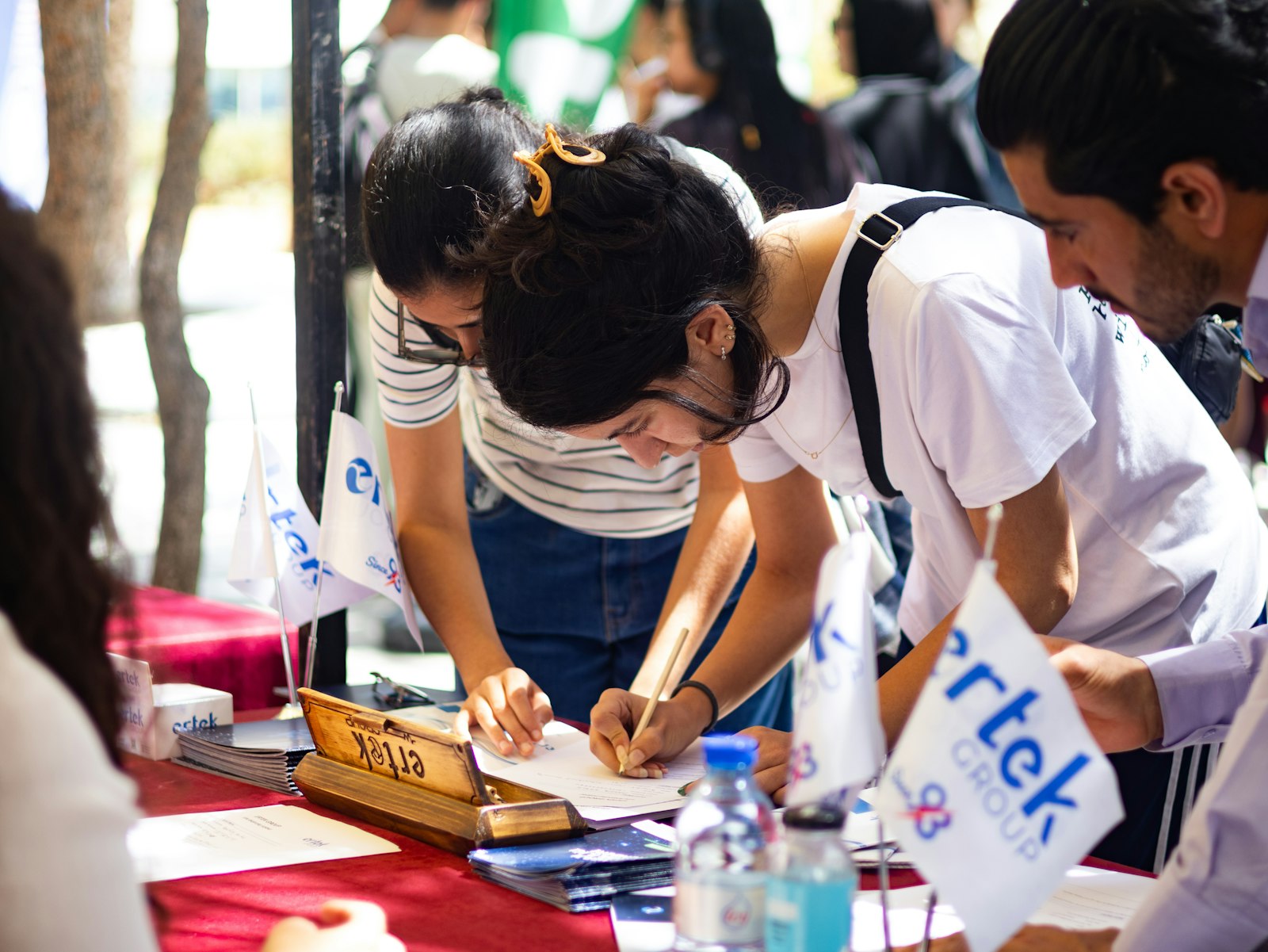
Access needs captured at registration mean the welcome desk already knows who is coming and what they need · credit: Faustina Okeke / Unsplash
Ring-fence accessible and wheelchair spaces
Start by creating clearly labelled accessible ticket types, marked with a wheelchair icon or plain wording so they are unmistakable during purchase. Name each one for the provision it carries, so the buyer knows what they are getting without asking: a wheelchair space near a step-free entrance, or an ambulant-accessible place for someone who can walk short distances but not manage stairs.
The key word is ring-fence. Accessible spaces should not be available in the general pool where a non-disabled buyer scoops them up because they happened to be near the front. Hold them for the people who need them, and release any unsold ones only close to the event if you choose to. This is the same "hold seats for a specific group so the public pool cannot eat them" logic you would use for any reserved allocation; here the group is simply attendees with access requirements.
Offer a free companion ticket in the same transaction
Many disabled attendees need a companion or personal assistant with them, and the widely accepted practice is that the companion comes free, on the basis that they are there to provide support rather than to enjoy the event as a second paying guest. The smooth way to handle this is to offer a free companion ticket type that the attendee can add in the same checkout, alongside their own accessible ticket, rather than making them ask for it separately.
What you want to avoid is making the companion ticket a separate obstacle course: a different form, a phone call, a proof-of-entitlement gauntlet before anyone can proceed. A light-touch eligibility check is reasonable, but it should not turn a two-minute booking into a fortnight of correspondence. Treat the companion ticket as part of the standard booking, not as a favour granted later.
Check Guests In Before the Queue Forms
QR scanning, instant badge printing and live arrival stats, run from any phone or tablet on the door.
| Accessible ticket type | Who it is for | What to reserve |
|---|---|---|
| Wheelchair space | Wheelchair users | Level space near step-free entry, exits and accessible toilets |
| Companion ticket | A personal assistant or carer | A free ticket for the person supporting them |
| Ambulant accessible | People who cannot manage stairs | Aisle seats near exits, minimal walking |
| Low vision or hearing | Blind, low vision, deaf or hard of hearing | Seats near the stage, captioning or interpretation |
Capture access needs at registration
The registration form is where you find out what people actually need, so ask directly and early. A short set of optional questions (do you need step-free access, are you bringing an assistance dog, do you require BSL interpretation or captioning, is there anything else we should know) means your team arrives on the day already knowing who is coming and what to have ready. That is far better than a scramble when someone appears at the door with a need nobody logged.
You can also show access questions only to the ticket types that need them, so a general attendee never wades through fields that do not apply, the same way you would use a separate registration form per attendee type. Two rules keep this humane. Make the questions optional and clearly purposeful, so people understand you are asking in order to help, not to gatekeep. And keep the data tight and private, used only to deliver access and nothing else. If you want the fuller version of how to gather this alongside dietary and other needs without turning your form into an interrogation, we covered exactly that in collecting dietary and accessibility needs at registration. Because those answers attach to the attendee record, they sit on your attendee list and export cleanly for your welcome team, which is the point of collecting them at all: they need to be usable on the day, not buried in a spreadsheet nobody opens.
The mistakes that undo good intentions
A few common own goals are worth naming. Hiding accessible tickets behind a "contact us" link instead of putting them in the normal flow signals that disabled attendees are an afterthought. Demanding heavy proof of disability up front adds friction that most events neither need nor legally require. Making the companion apply separately, after the fact, splits up people who booked together. And collecting access needs but never actually reading them before the day is arguably worse than not asking, because it raises an expectation you then drop.
The honest caveat: a small standing event in a single step-free room may not need much of this. Sometimes the right answer is a clear note that the venue is step-free, a way to flag any needs, and a friendly welcome. Scale the effort to the event. But once your venue has any complexity, labelled accessible ticket types, free companion tickets and captured needs are the baseline, not the deluxe option.
All of this runs off building blocks you already use for any event: clearly labelled ticket types and a registration form that asks the right questions. If you want to see how accessible ticket types and access questions sit together in one place, take a look at how eventcloud handles registration, then add a wheelchair ticket type and an access-needs question to your next event. It is a small change that a lot of people will notice.